Screenshots
Icon palette
About this app
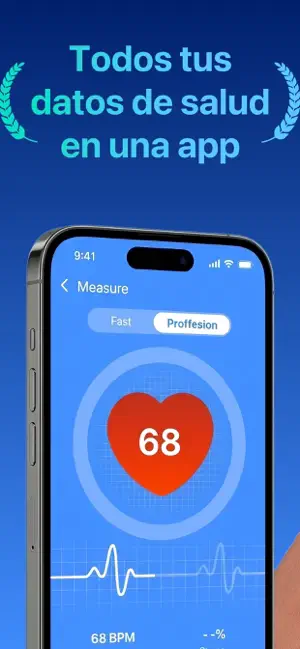
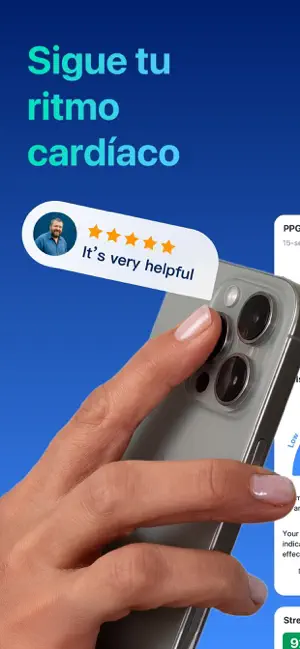
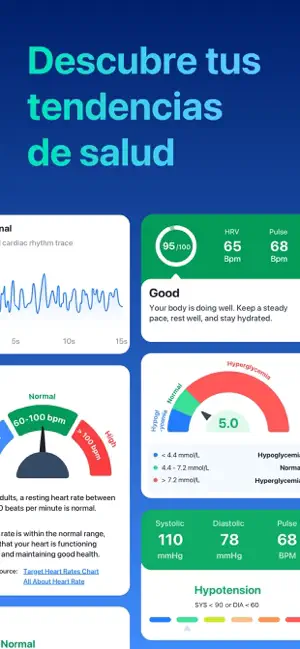
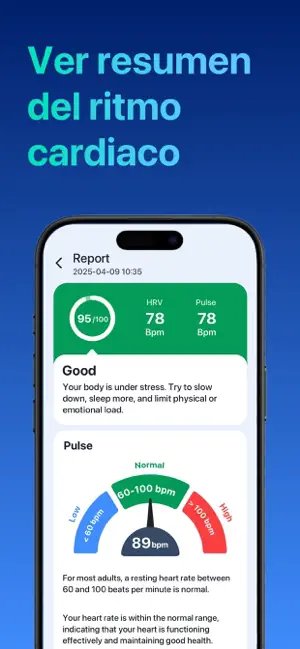
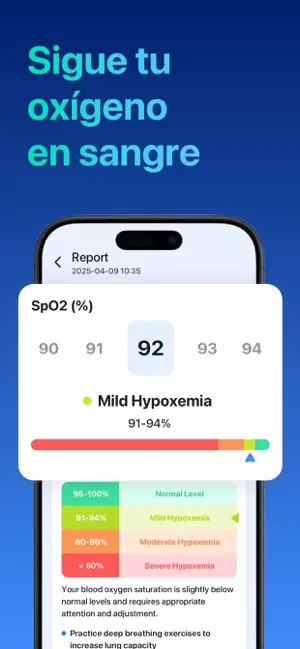
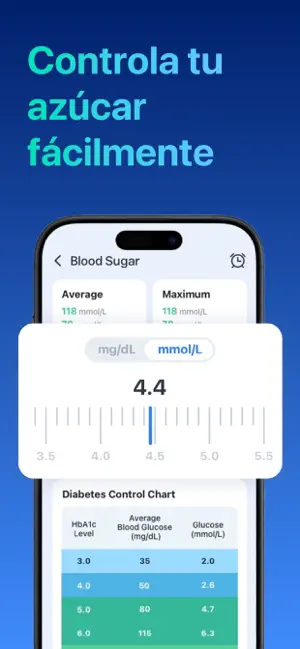
VitalBeat: Aplicación Integral de Seguimiento de la Salud VitalBeat es una aplicación que integra el monitoreo de frecuencia cardíaca, presión arterial, glucosa y oxígeno en sangre. Con una interfaz sencilla e intuitiva y funciones avanzadas, te ayuda a crear hábitos saludables cada día y a conocer mejor el estado de tu cuerpo. Ya sea que quieras registrar tu ritmo cardíaco después de hacer ejercicio, gestionar datos de presión arterial, monitorear tus niveles de glucosa o hacer un seguimiento de los cambios en tu oxígeno en sangre, VitalBeat facilita un registro eficiente y confiable de tu salud. [Funciones principales] • Seguimiento de frecuencia cardíaca Mide tu ritmo cardíaco con la app y consulta tus registros históricos para conocer tu salud cardiovascular. Ideal para monitorear la frecuencia en reposo, durante el ejercicio o en recuperación. • Registro de presión arterial Ano…
App details
What you can learn from VitalBeat: Ritmo Cardíaco
Every shipping app on the App Store has gone through the same decisions you're working through right now: which screenshot goes first, what caption sits over it, which device frame to show, what color the background should be. The 6 screenshots above are VitalBeat: Ritmo Cardíaco's answers to those questions — they're public, they're real, and they made it through Apple's review.
Notice the first screenshot in particular. It's the one users see in search results and on the product page, and it's where most apps spend their best caption and tightest design. Look at the proportion of background to phone, where the text sits, what one thing the image is trying to communicate.
Want to see how other Health & Fitness apps approach the same problem? Browse more Health & Fitness apps in the showcase.
Take what works into your own screenshots
Open LaunchShots and design your App Store & Google Play screenshots — pick a device frame, drop captions, ship in minutes. Free, in your browser.
Open the screenshot editor →