Screenshots
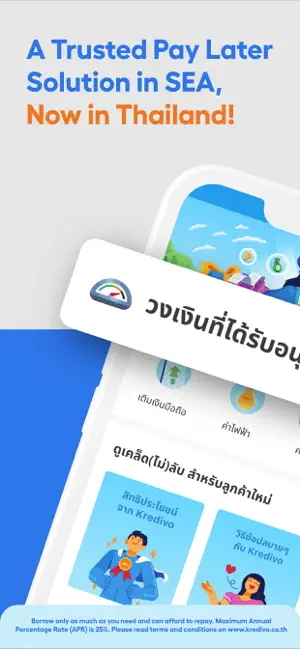
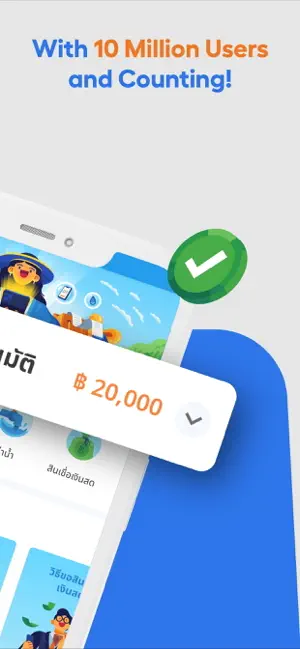

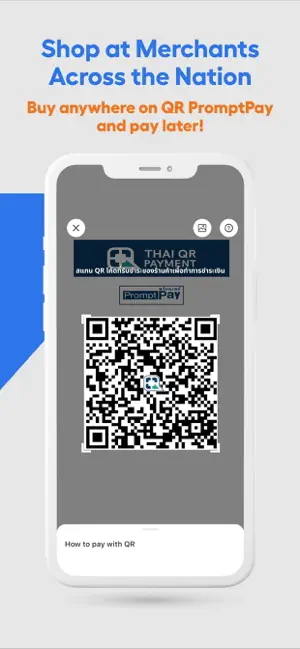
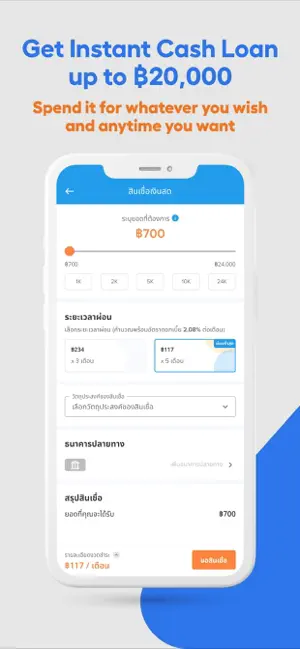
Icon palette
About this app
Experience Kredivo: Buy Now, Pay Later, Southeast Asia’s trusted digital Pay Later platform, now coming to Thailand! We are regulated under the Personal Loan and Digital Personal Loan license issued by the Ministry of Finance and the Bank of Thailand. One App for All - Shop anywhere and pay later: Shop nationwide, in-store or online, with seamless QR payments, then enjoy the ultimate freedom of preferred pay-later installment plans. - Request instant cash loans: Get instant cash to empower your payments for emergency matters. - Pay bills at your will: Don't worry if you don’t have credit cards. You can now access your credit limit to pay your electricity, water, and phone bills easily and conveniently anytime you want. Easier than Ever - Truly easy application: Apply in minutes and get instant approval. - Worry-free security: Kredivo uses data security measures comparable to nation-le…
App details
What you can learn from Kredivo - Buy Now, Pay Later
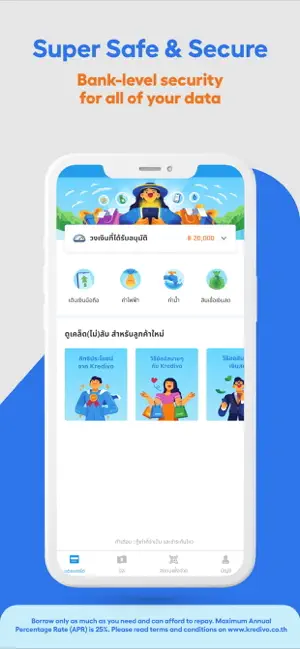
Every shipping app on the App Store has gone through the same decisions you're working through right now: which screenshot goes first, what caption sits over it, which device frame to show, what color the background should be. The 6 screenshots above are Kredivo - Buy Now, Pay Later's answers to those questions — they're public, they're real, and they made it through Apple's review.
Notice the first screenshot in particular. It's the one users see in search results and on the product page, and it's where most apps spend their best caption and tightest design. Look at the proportion of background to phone, where the text sits, what one thing the image is trying to communicate.
Want to see how other Finance apps approach the same problem? Browse more Finance apps in the showcase.
Take what works into your own screenshots
Open LaunchShots and design your App Store & Google Play screenshots — pick a device frame, drop captions, ship in minutes. Free, in your browser.
Open the screenshot editor →