Screenshots


Icon palette
About this app
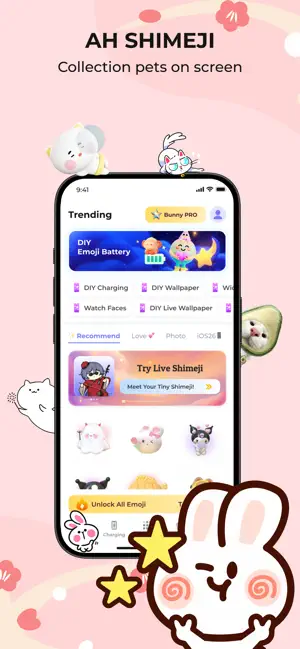
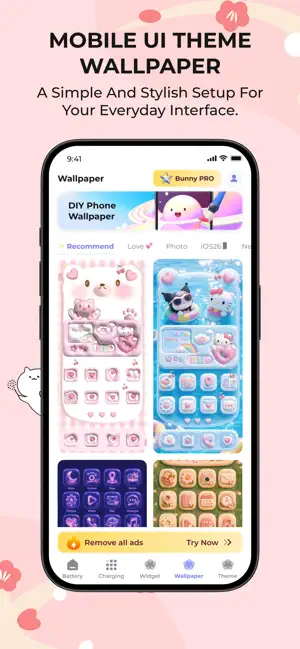
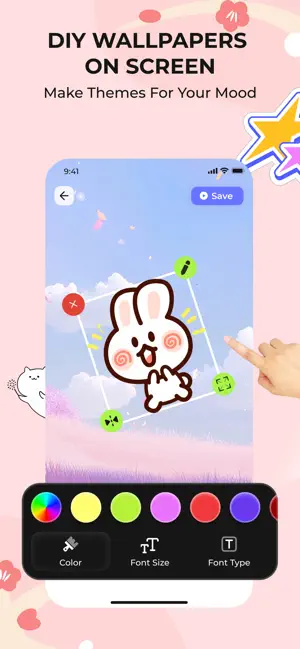
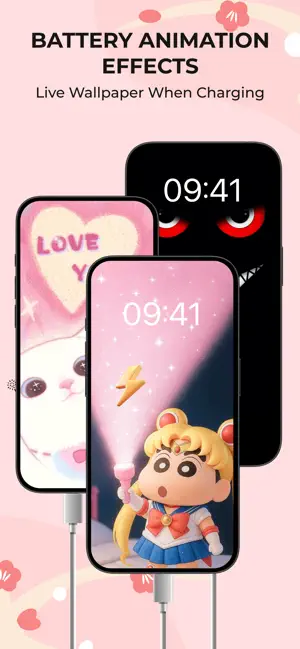
Tired of boring and dull wallpaper for OS watches & phone? Emoji Battery Widget - BunnyWatch is here to help you get out of it right now! KEY FEATURES: - DIY Wallpapers for Watch & Phone: Pick for your watch a brand new and absolutely amazing wallpaper. Or you can make very cute wallpapers with adorable stickers on your cell icon. - Emoji Battery: Add cute icons on battery cell (Still wallpaper functions but more funnnn!) - Live Wallpaper: Themes for every single moment in life - DIY Phone Charging: Have edge lightning, dynamic island decoration.. when charging your phone - Customize Widget: Choose widget themes for your OS phone WHY YOU'LL NEED IT: - Easy to use: Simple, clean & polished interface for all users - Diverse options: Choose from thousand of our beautiful themes to transform your default design. Download Emoji Battery Widget - BunnyWatch now to get the most trending pic…
App details
What you can learn from Emoji Battery: BunnyWatch
Every shipping app on the App Store has gone through the same decisions you're working through right now: which screenshot goes first, what caption sits over it, which device frame to show, what color the background should be. The 6 screenshots above are Emoji Battery: BunnyWatch's answers to those questions — they're public, they're real, and they made it through Apple's review.
Notice the first screenshot in particular. It's the one users see in search results and on the product page, and it's where most apps spend their best caption and tightest design. Look at the proportion of background to phone, where the text sits, what one thing the image is trying to communicate.
Want to see how other Graphics & Design apps approach the same problem? Browse more Graphics & Design apps in the showcase.
Take what works into your own screenshots
Open LaunchShots and design your App Store & Google Play screenshots — pick a device frame, drop captions, ship in minutes. Free, in your browser.
Open the screenshot editor →