Screenshots
Icon palette
About this app
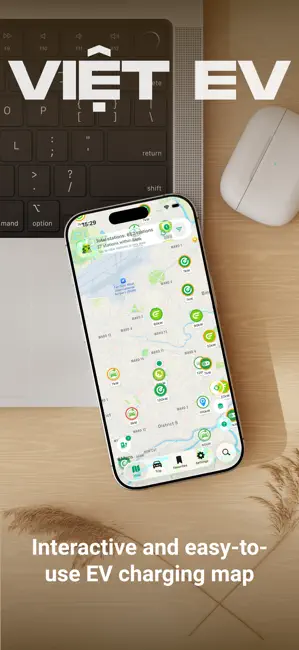
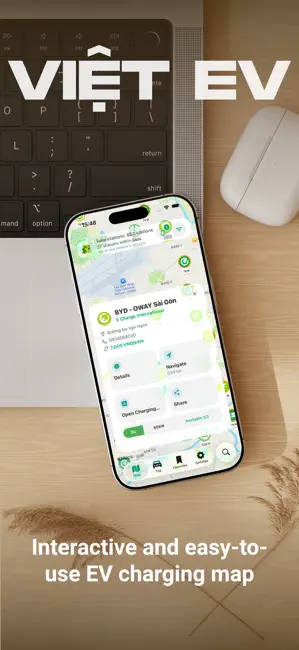
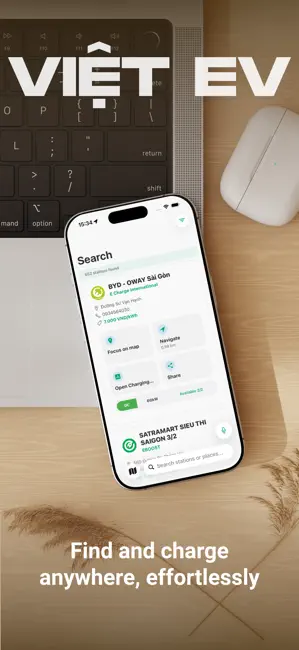
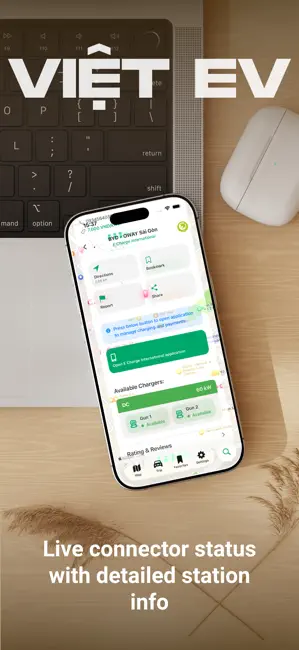
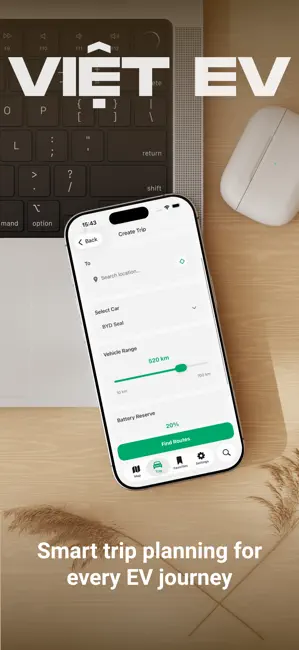
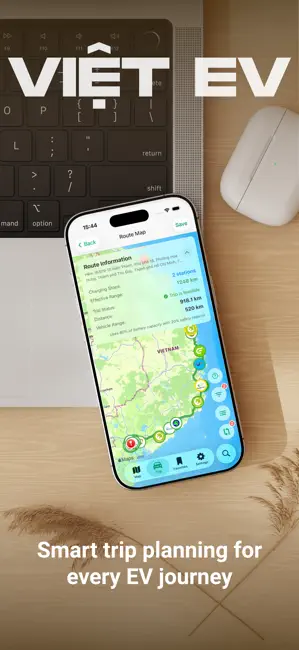
Việt EV is a free app designed for electric vehicle (EV) owners in Vietnam. It helps you easily find and navigate to public or private charging stations nationwide, powered by community-contributed data for a smarter, more reliable charging experience. Key Features: • Nationwide Charging Map: Explore hundreds of verified stations across Vietnam on an interactive map. • Smart Filters: Filter by charger type (DC fast / AC slow), power output, charging provider, and price - helping you quickly find the station that best fits your needs. • Seamless Navigation: Get directions via Google Maps, Apple Maps, or Waze from your current location. • Trip Planner: Based on your car type, starting point, and destination, Việt EV automatically suggests the best route with suitable chargers. • Real-Time Charger Status: Check whether charging stations and connectors are currently available. • Charging A…
App details
What you can learn from Viet EV
Every shipping app on the App Store has gone through the same decisions you're working through right now: which screenshot goes first, what caption sits over it, which device frame to show, what color the background should be. The 6 screenshots above are Viet EV's answers to those questions — they're public, they're real, and they made it through Apple's review.
Notice the first screenshot in particular. It's the one users see in search results and on the product page, and it's where most apps spend their best caption and tightest design. Look at the proportion of background to phone, where the text sits, what one thing the image is trying to communicate.
Want to see how other Navigation apps approach the same problem? Browse more Navigation apps in the showcase.
Take what works into your own screenshots
Open LaunchShots and design your App Store & Google Play screenshots — pick a device frame, drop captions, ship in minutes. Free, in your browser.
Open the screenshot editor →