Screenshots

Icon palette
About this app
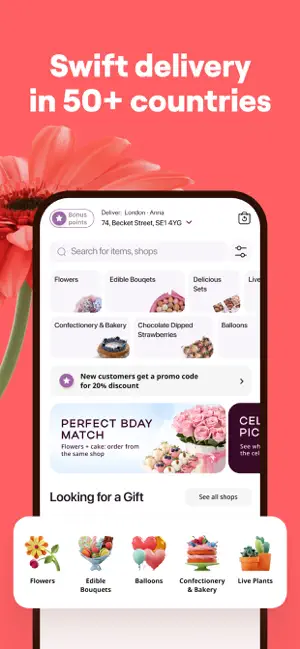
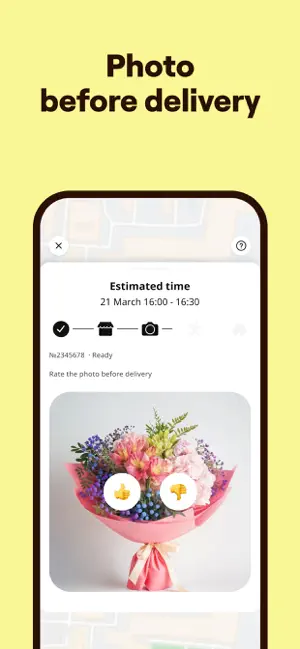
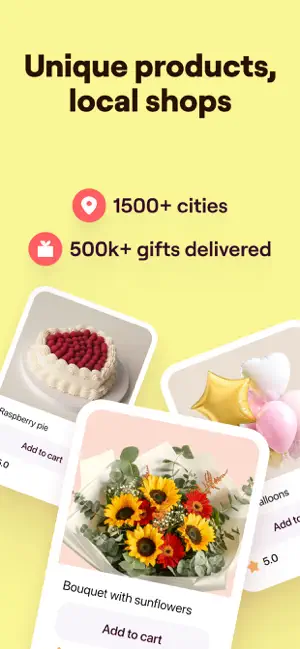
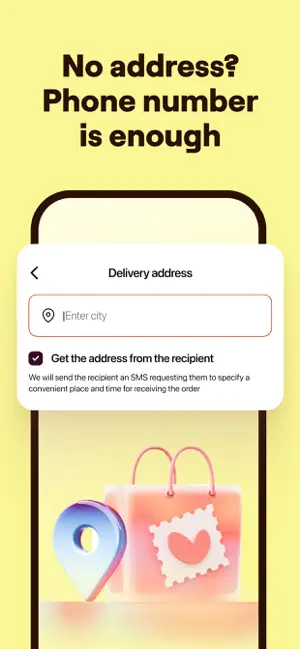
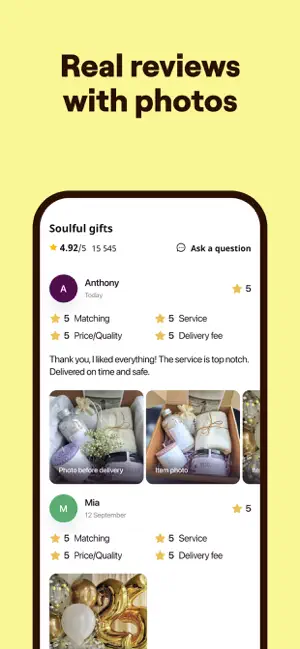
No reason needed Just gift, smile, and enjoy 20% off your first order — the offer’s already waiting in the app! Udora is an online marketplace that connects sellers and customers in more than 1,500 cities around the world. On Udora, you can order fresh seasonal flowers, delicious desserts, and gifts for any occasion. You can delight your loved ones living in another city or abroad, even if you are thousands of miles apart. Udora’s advantages: • Wide assortment: the product ranges of a number of local shops are combined in one app. • 100% as advertised: before delivery starts, customers receive for approval a photo of the actual items ready for delivery. • Convenient delivery: you can order a gift from the shop closest to the recipient’s address; delivery options include ASAP and scheduled delivery. Top 3 popular item categories: • Flowers & Gifts: seasonal bouquets, florist's …
App details
What you can learn from Udora: Buy Gifts & Flowers
Every shipping app on the App Store has gone through the same decisions you're working through right now: which screenshot goes first, what caption sits over it, which device frame to show, what color the background should be. The 6 screenshots above are Udora: Buy Gifts & Flowers's answers to those questions — they're public, they're real, and they made it through Apple's review.
Notice the first screenshot in particular. It's the one users see in search results and on the product page, and it's where most apps spend their best caption and tightest design. Look at the proportion of background to phone, where the text sits, what one thing the image is trying to communicate.
Want to see how other Shopping apps approach the same problem? Browse more Shopping apps in the showcase.
Take what works into your own screenshots
Open LaunchShots and design your App Store & Google Play screenshots — pick a device frame, drop captions, ship in minutes. Free, in your browser.
Open the screenshot editor →