Screenshots
Icon palette
About this app
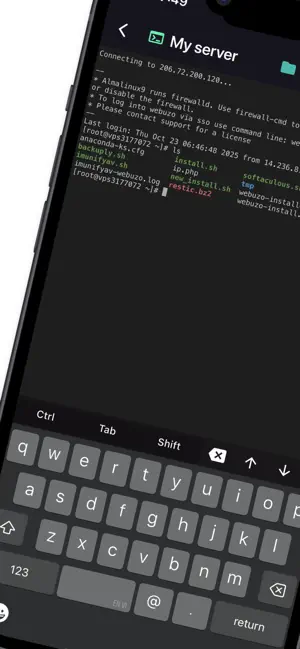
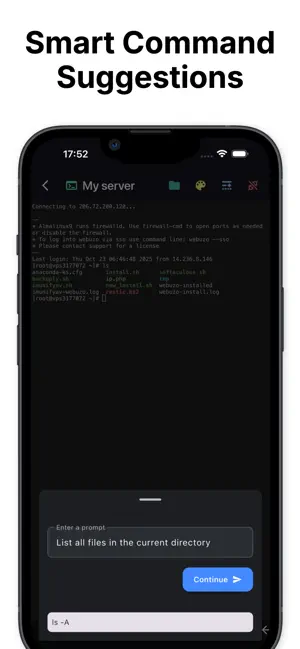
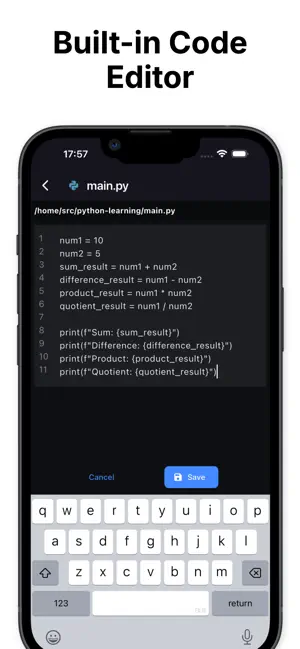
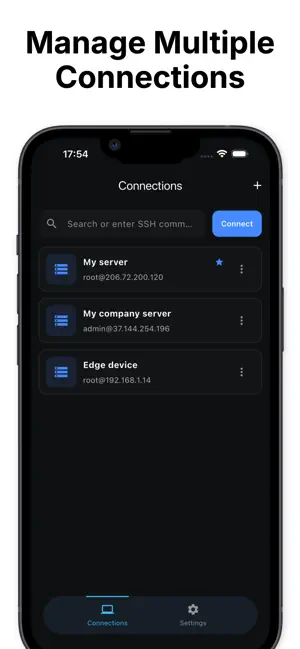
SSH is a powerful and intuitive SSH client designed for developers, system administrators, and DevOps engineers who need to manage multiple servers on the go. Connect securely, execute commands, and edit code directly from your iPhone or iPad — all in one streamlined interface. Key features: - Secure SSH Connections: Quickly connect to remote servers with password or key-based authentication. - Command Suggestions: Get intelligent command suggestions and history to boost your productivity. - Built-in Code Editor: Edit configuration files or code with syntax highlighting. - Manage Multiple Connections: Organize, save, and switch between multiple SSH sessions easily. SSH is built for speed, security, and reliability — whether you’re managing cloud servers, editing remote files, or maintaining systems remotely. Stay connected. Stay productive. Privacy Policy : https://termux-studio.org…
App details
What you can learn from SSH -
Every shipping app on the App Store has gone through the same decisions you're working through right now: which screenshot goes first, what caption sits over it, which device frame to show, what color the background should be. The 5 screenshots above are SSH -'s answers to those questions — they're public, they're real, and they made it through Apple's review.
Notice the first screenshot in particular. It's the one users see in search results and on the product page, and it's where most apps spend their best caption and tightest design. Look at the proportion of background to phone, where the text sits, what one thing the image is trying to communicate.
Want to see how other Developer Tools apps approach the same problem? Browse more Developer Tools apps in the showcase.
Take what works into your own screenshots
Open LaunchShots and design your App Store & Google Play screenshots — pick a device frame, drop captions, ship in minutes. Free, in your browser.
Open the screenshot editor →