Screenshots



Icon palette
About this app
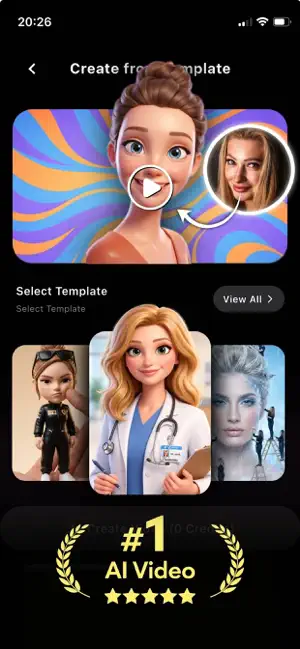
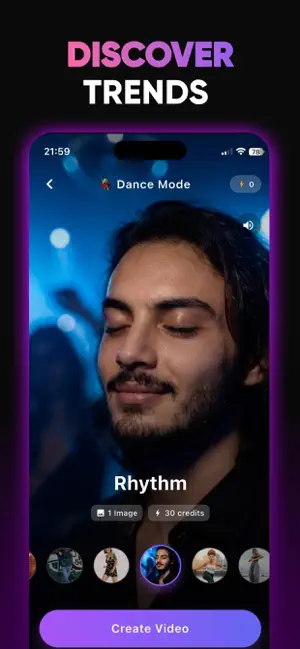
Turn any photo into a stunning AI video with VidGenX — the easiest AI video generator and creator for trending dance videos, animations, and viral effects. Just pick a photo, choose a template, and watch AI transform it into an amazing video in seconds. No editing skills needed. AI Dance Videos Upload a single photo and create realistic AI dance videos instantly. From viral TikTok trends to fun group dances, bring any photo to life with smooth AI-powered motion and music. Trending Video Templates Explore 50+ ready-to-use AI video templates updated every week. Dance moves, Tokyo Drift, muscle transformations, old photo animations, baby dance, couple effects, and more. New trends added weekly so you never run out of fresh content. Photo to Video AI Animate any still photo with advanced AI. Turn selfies, family photos, or pet pictures into dynamic videos. Our AI photo animator creates …
App details
What you can learn from VidGenX - AI Video Generator
Every shipping app on the App Store has gone through the same decisions you're working through right now: which screenshot goes first, what caption sits over it, which device frame to show, what color the background should be. The 6 screenshots above are VidGenX - AI Video Generator's answers to those questions — they're public, they're real, and they made it through Apple's review.
Notice the first screenshot in particular. It's the one users see in search results and on the product page, and it's where most apps spend their best caption and tightest design. Look at the proportion of background to phone, where the text sits, what one thing the image is trying to communicate.
Want to see how other Photo & Video apps approach the same problem? Browse more Photo & Video apps in the showcase.
Take what works into your own screenshots
Open LaunchShots and design your App Store & Google Play screenshots — pick a device frame, drop captions, ship in minutes. Free, in your browser.
Open the screenshot editor →