Screenshots

Icon palette
About this app
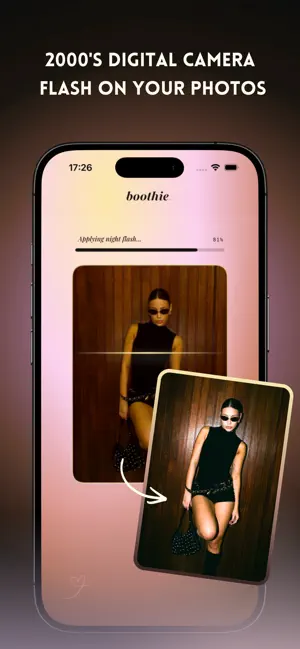
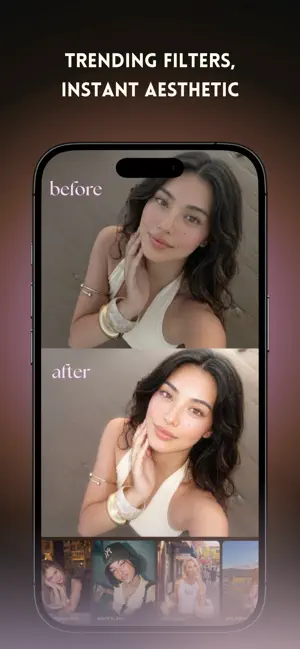
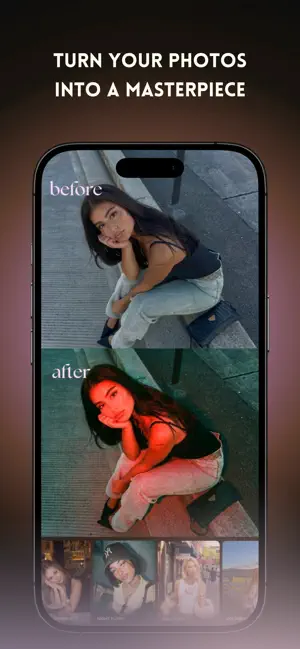
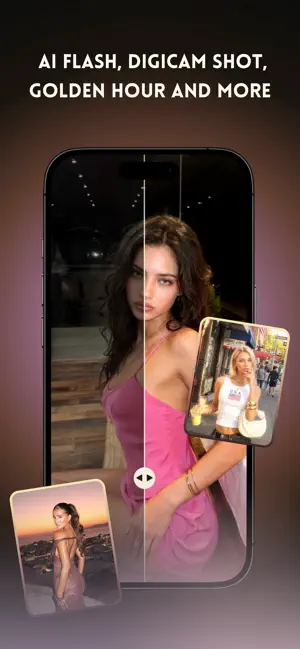
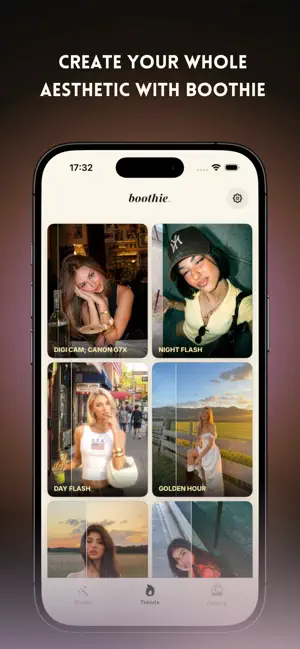
Boothie turns your everyday photos into the aesthetic you've been scrolling for. Add digital-camera flash, soft dreamy glow, and the trendiest AI filters all in a few taps. No editing skills needed. Just pick a photo, choose a look, and watch it transform. What you can create; - Digicam flash; the iconic 2000s point-and-shoot flash look - Night flash & red-flash effects for dark and cool vibes - Soft, dreamy, glowy filters that make every photo look effortlessly beautiful - AI filters that elevate your photo into a masterpiece Whether it's a night-out selfie, a golden-hour moment, or a random camera-roll pic, Boothie gives it the glow-up it deserves. Start creating your aesthetic with Boothie. Free features; - Nostalgic photobooth with countdown and filters. Unlock the full experience with a Boothie subscription. Subscriptions are auto-renewable. Payment is charged to your Apple I…
App details
What you can learn from Boothie: AI Photo Editor
Every shipping app on the App Store has gone through the same decisions you're working through right now: which screenshot goes first, what caption sits over it, which device frame to show, what color the background should be. The 6 screenshots above are Boothie: AI Photo Editor's answers to those questions — they're public, they're real, and they made it through Apple's review.
Notice the first screenshot in particular. It's the one users see in search results and on the product page, and it's where most apps spend their best caption and tightest design. Look at the proportion of background to phone, where the text sits, what one thing the image is trying to communicate.
Want to see how other Photo & Video apps approach the same problem? Browse more Photo & Video apps in the showcase.
Take what works into your own screenshots
Open LaunchShots and design your App Store & Google Play screenshots — pick a device frame, drop captions, ship in minutes. Free, in your browser.
Open the screenshot editor →