Screenshots
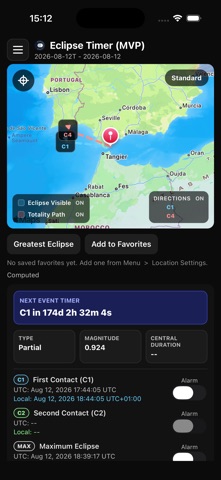


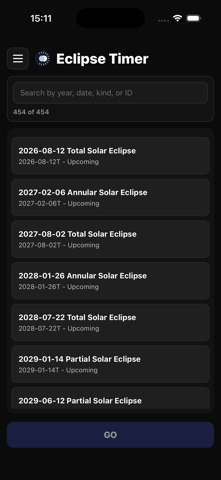
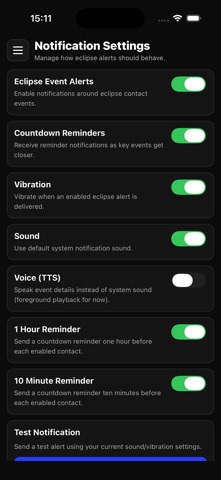
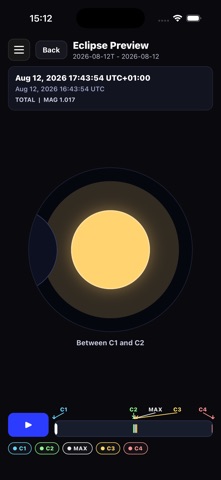
iPad screenshots


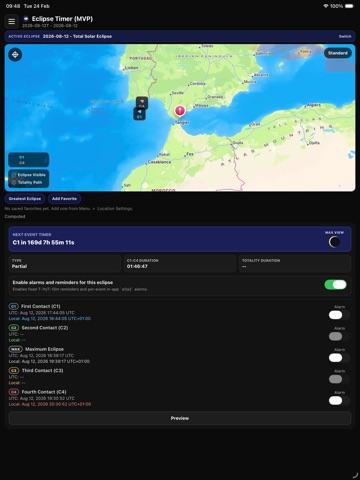

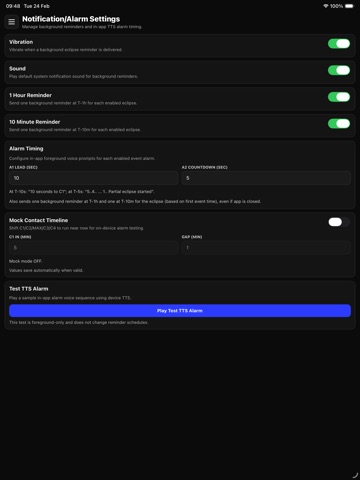


Icon palette
About this app
Eclipse Timer computes precise contact times for solar eclipses at any location you choose — down to the second. Pick an eclipse from a catalog spanning 1900 to 2100, drop a pin on the map or use your GPS, and instantly see when each phase of the eclipse begins and ends at your exact location. FEATURES • Browse 200+ solar eclipses from 1900 to 2100 — total, annular, partial, and hybrid — with search and filtering by year, date, type, or catalog ID. • Tap the map, drag a pin, or use GPS to set your observer location. The engine computes results for your precise coordinates. • View all five contact times (C1, C2, Greatest Eclipse, C3, C4) in both UTC and your local time zone. See eclipse type, magnitude, and duration of totality or annularity at your chosen spot. • Live countdown timer shows days, hours, minutes, and seconds until the next eclipse event for the selected eclipse. • …
App details
What you can learn from Eclipse Timer
Every shipping app on the App Store has gone through the same decisions you're working through right now: which screenshot goes first, what caption sits over it, which device frame to show, what color the background should be. The 15 screenshots above are Eclipse Timer's answers to those questions — they're public, they're real, and they made it through Apple's review.
Notice the first screenshot in particular. It's the one users see in search results and on the product page, and it's where most apps spend their best caption and tightest design. Look at the proportion of background to phone, where the text sits, what one thing the image is trying to communicate.
Want to see how other Weather apps approach the same problem? Browse more Weather apps in the showcase.
Take what works into your own screenshots
Open LaunchShots and design your App Store & Google Play screenshots — pick a device frame, drop captions, ship in minutes. Free, in your browser.
Open the screenshot editor →