Screenshots
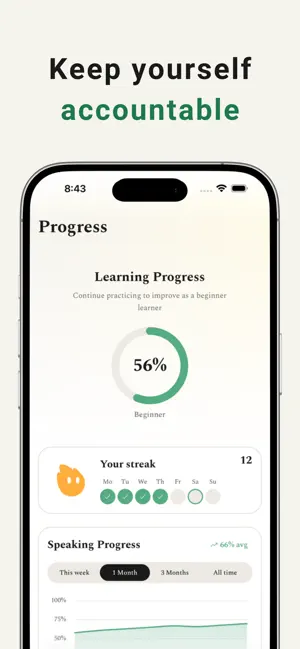
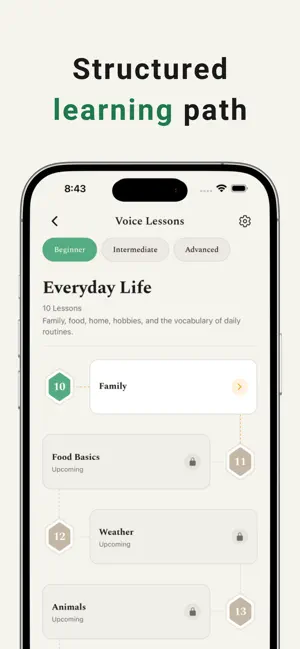
Icon palette
About this app
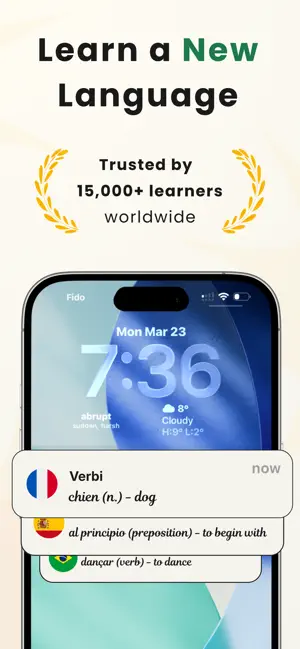
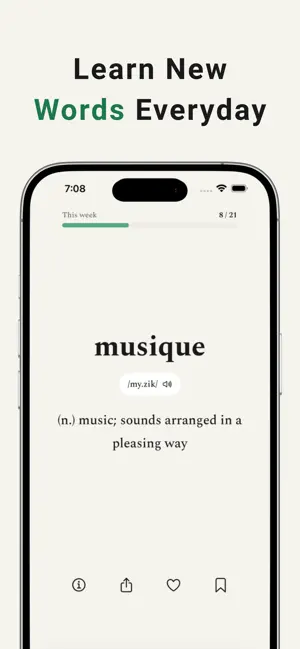
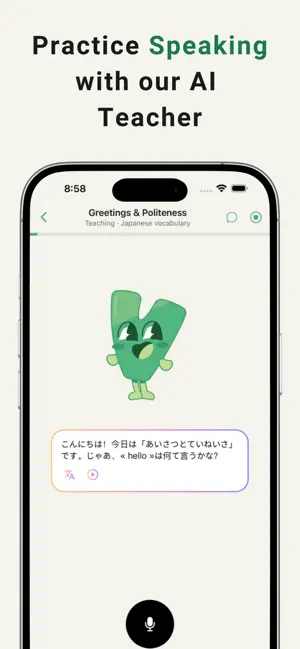
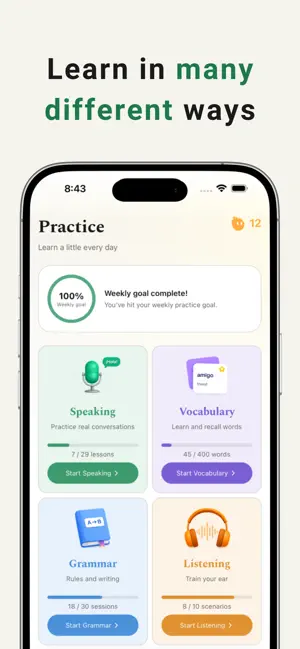
Unlock your language potential. VERBI is the vocabulary-first language learning app designed to help you learn faster, remember longer, and build real confidence in any language. Whether you're preparing for an exam, traveling abroad, or learning for fun, VERBI makes vocabulary simple, engaging, and effective. With smart flashcards, interactive quizzes, pronunciation training, and powerful progress tracking, you have everything you need to turn daily practice into real fluency. Learn words. Build habits. See progress. WHY LEARNERS CHOOSE VERBI: BUILD VOCABULARY THAT STICKS Learn through a swipe-based word feed with definitions, example sentences, and pronunciation. Focus on the words that actually matter for real conversations. MASTER WORDS WITH QUIZZES Reinforce your memory with multiple practice modes: meaning match, word recall, fill in the gap, and more. Turn passive learning i…
App details
What you can learn from Verbi: Vocabulary Training App
Every shipping app on the App Store has gone through the same decisions you're working through right now: which screenshot goes first, what caption sits over it, which device frame to show, what color the background should be. The 6 screenshots above are Verbi: Vocabulary Training App's answers to those questions — they're public, they're real, and they made it through Apple's review.
Notice the first screenshot in particular. It's the one users see in search results and on the product page, and it's where most apps spend their best caption and tightest design. Look at the proportion of background to phone, where the text sits, what one thing the image is trying to communicate.
Want to see how other Education apps approach the same problem? Browse more Education apps in the showcase.
Take what works into your own screenshots
Open LaunchShots and design your App Store & Google Play screenshots — pick a device frame, drop captions, ship in minutes. Free, in your browser.
Open the screenshot editor →