Screenshots
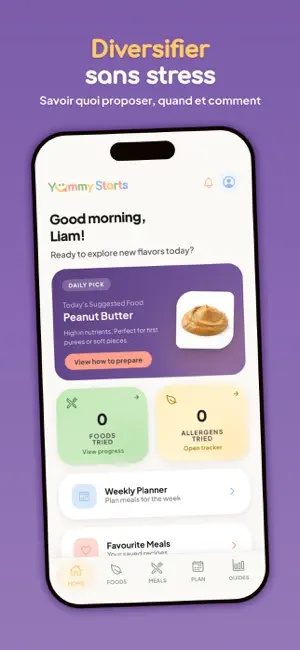
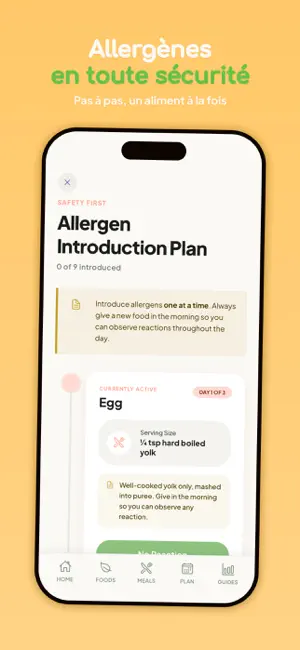


Icon palette
About this app
Commencer la diversification peut sembler intimidant. Yummy Starts la rend simple, sûre et joyeuse dès la première bouchée. Que vous exploriez la diversification menée par l'enfant (DME), commenciez par les purées ou passiez aux morceaux, vous trouverez tout ici. BASE D'ALIMENTS Apprenez à servir en toute sécurité plus de 200 aliments à votre bébé : - Préparation et présentation adaptées à l'âge - Conseils sur les risques d'étouffement et les allergènes - Points nutritionnels pour chaque aliment - Instructions pour la DME comme pour les purées JOURNAL & SUIVI DES RÉACTIONS Gardez une trace claire de tout ce que votre enfant a mangé : - Notez les aliments goûtés et marquez les favoris - Suivez l'introduction des allergènes étape par étape - Enregistrez chaque réaction ou sensibilité - Téléchargez un rapport complet pour votre pédiatre RECETTES & IDÉES DE REPAS Fini de vous demander q…
App details
What you can learn from Yummy Starts: DME & purées
Every shipping app on the App Store has gone through the same decisions you're working through right now: which screenshot goes first, what caption sits over it, which device frame to show, what color the background should be. The 6 screenshots above are Yummy Starts: DME & purées's answers to those questions — they're public, they're real, and they made it through Apple's review.
Notice the first screenshot in particular. It's the one users see in search results and on the product page, and it's where most apps spend their best caption and tightest design. Look at the proportion of background to phone, where the text sits, what one thing the image is trying to communicate.
Want to see how other Lifestyle apps approach the same problem? Browse more Lifestyle apps in the showcase.
Take what works into your own screenshots
Open LaunchShots and design your App Store & Google Play screenshots — pick a device frame, drop captions, ship in minutes. Free, in your browser.
Open the screenshot editor →