Screenshots

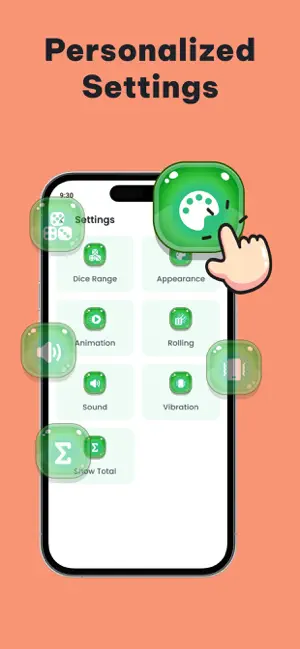
Icon palette
About this app
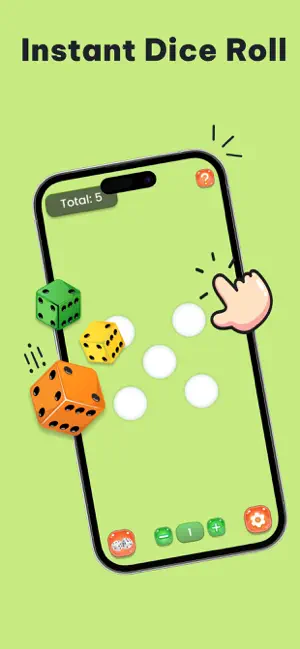
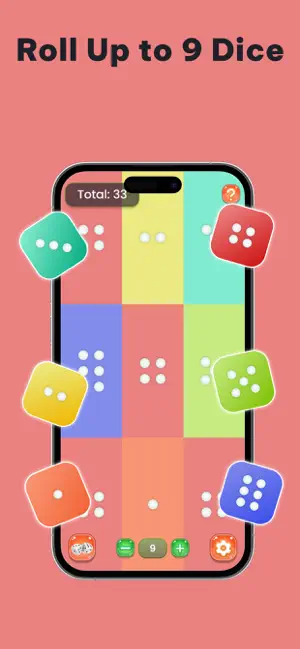
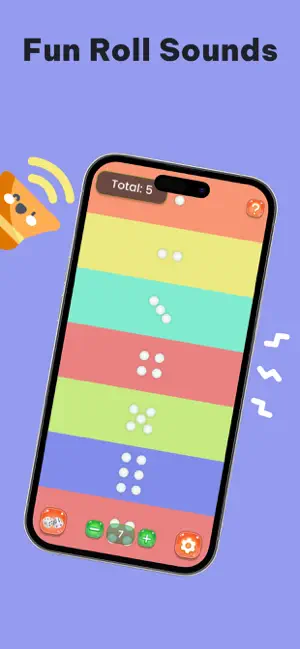
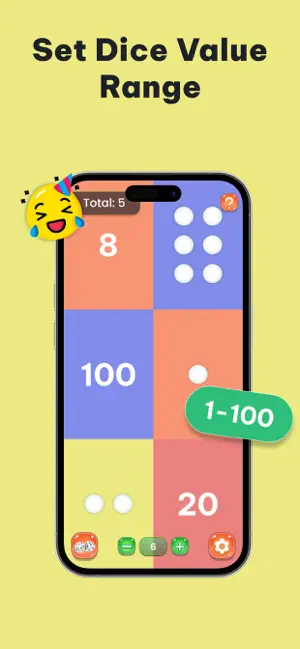
Instant Dice Rolling Tap once to roll — get quick, fair, and completely random dice results every time. Perfect for board games, DnD, classroom use, or when you simply want to test your luck. Custom Dice & Themes Personalize your experience with colorful dice, unique backgrounds, and fun themes. Create your own style and make every roll more enjoyable. Realistic Sound & Haptic Feedback Hear the dice roll with satisfying sound effects and feel the moment with vibration feedback. You can also mute sounds for quiet play. Shake to Roll No tap needed — just shake your device to roll the dice! It feels just like rolling real dice in your hand. Multiple Dice Roll Roll one or multiple dice at once. Choose how many dice you need, see the total instantly, and enjoy quick gameplay without delays. Custom Range & True Random Results Select any dice type (like d4, d6, d8, d10, d12, or d20) or cr…
App details
What you can learn from Dice Roller: Random Roller
Every shipping app on the App Store has gone through the same decisions you're working through right now: which screenshot goes first, what caption sits over it, which device frame to show, what color the background should be. The 6 screenshots above are Dice Roller: Random Roller's answers to those questions — they're public, they're real, and they made it through Apple's review.
Notice the first screenshot in particular. It's the one users see in search results and on the product page, and it's where most apps spend their best caption and tightest design. Look at the proportion of background to phone, where the text sits, what one thing the image is trying to communicate.
Want to see how other Utilities apps approach the same problem? Browse more Utilities apps in the showcase.
Take what works into your own screenshots
Open LaunchShots and design your App Store & Google Play screenshots — pick a device frame, drop captions, ship in minutes. Free, in your browser.
Open the screenshot editor →