Screenshots


Icon palette
About this app
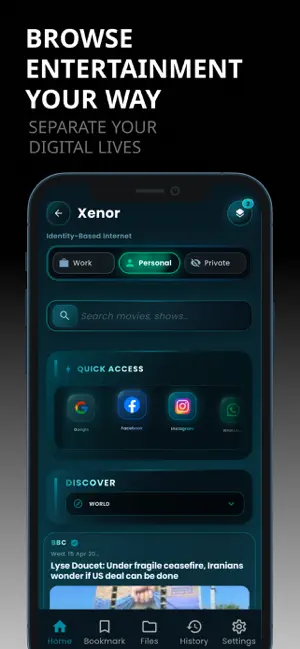
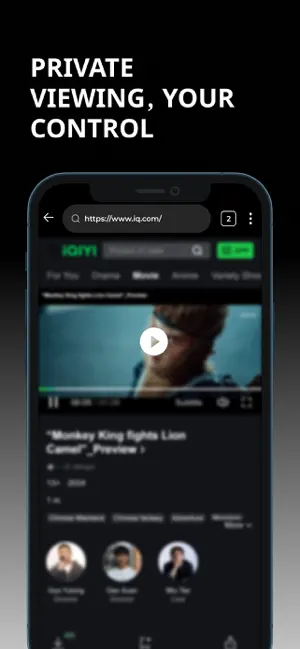
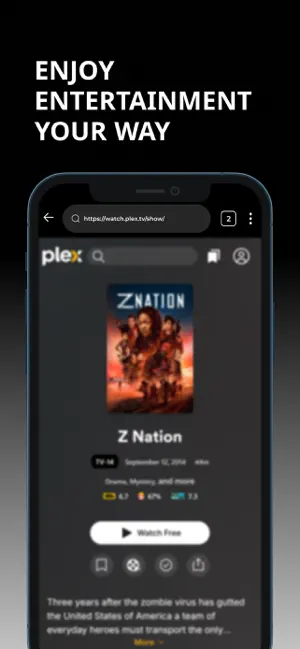
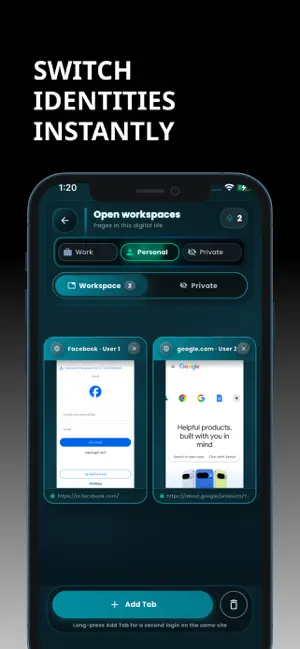
Famelack is a smarter way to manage your digital life. Built around an Identity-Based Browsing System, it keeps your online worlds separate, organized, and secure — without switching accounts again and again. - Multiple Identities Create Work, Personal, or Private identities — each with its own sessions, cookies, and history. - Instant Switching Switch identities instantly and stay logged in across multiple accounts. - Organized Workspaces Keep tabs grouped by identity for a cleaner, distraction-free experience. - Privacy Control Auto-clear data, use private identities, and secure access with device authentication. - Fast & Smooth Quick loading, smooth navigation, and efficient performance. - Built for Real Use Manage multiple accounts, separate workflows, and browse with clarity. Why This Browser? Because your online life isn’t one-dimensional. Your browser shouldn’t be …
App details
What you can learn from Famelack: Watch Movies Browser
Every shipping app on the App Store has gone through the same decisions you're working through right now: which screenshot goes first, what caption sits over it, which device frame to show, what color the background should be. The 6 screenshots above are Famelack: Watch Movies Browser's answers to those questions — they're public, they're real, and they made it through Apple's review.
Notice the first screenshot in particular. It's the one users see in search results and on the product page, and it's where most apps spend their best caption and tightest design. Look at the proportion of background to phone, where the text sits, what one thing the image is trying to communicate.
Want to see how other Reference apps approach the same problem? Browse more Reference apps in the showcase.
Take what works into your own screenshots
Open LaunchShots and design your App Store & Google Play screenshots — pick a device frame, drop captions, ship in minutes. Free, in your browser.
Open the screenshot editor →