Screenshots

Icon palette
About this app
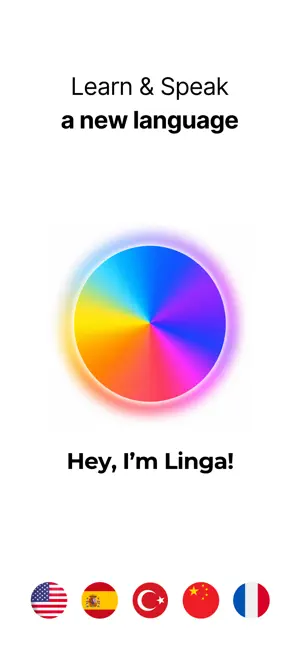
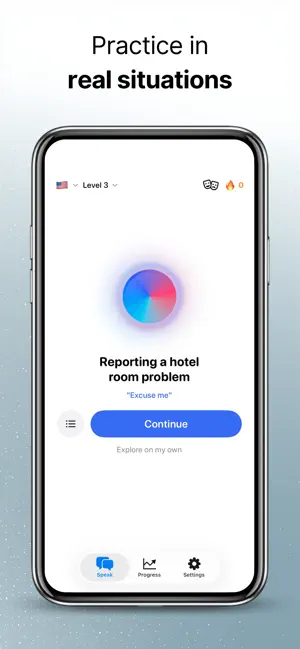
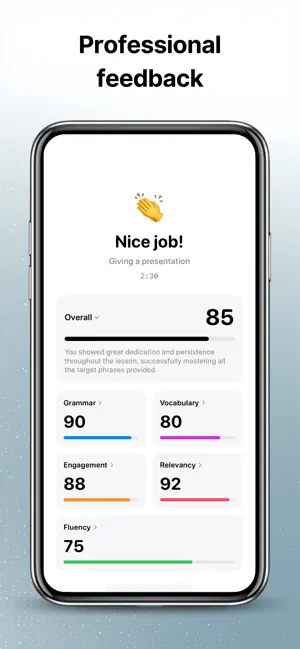
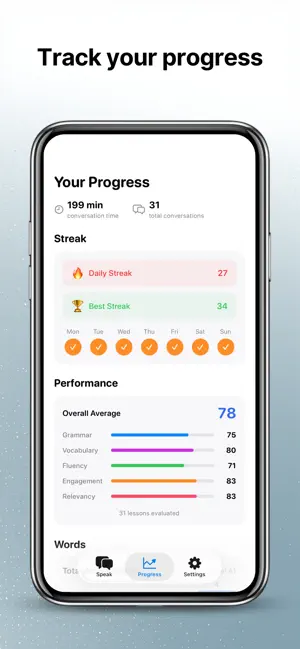
Stop memorizing flashcards. Start speaking. Linga AI is a voice-first language learning app. You don't type answers or swipe cards — you actually speak with an AI tutor who listens, responds, and corrects your pronunciation in real time. REAL VOICE CONVERSATIONS Have natural spoken conversations with AI. Practice ordering food, navigating airports, acing job interviews — all by talking, not typing. Your AI tutor understands what you say and responds with natural speech. 90 REAL-LIFE SCENARIOS Practice situations you'll actually face: • Checking in at a hotel • Ordering at a restaurant • Making friends at a party • Negotiating salary at work • Visiting the doctor • And 85 more across 10 structured parts 26 LANGUAGES English, Spanish, French, German, Japanese, Korean, Italian, Chinese (Simplified & Traditional), Portuguese, Russian, Arabic, Dutch, Turkish, Polish, Vietnamese, Hindi, T…
App details
What you can learn from Linga AI: Learn Languages Fast
Every shipping app on the App Store has gone through the same decisions you're working through right now: which screenshot goes first, what caption sits over it, which device frame to show, what color the background should be. The 5 screenshots above are Linga AI: Learn Languages Fast's answers to those questions — they're public, they're real, and they made it through Apple's review.
Notice the first screenshot in particular. It's the one users see in search results and on the product page, and it's where most apps spend their best caption and tightest design. Look at the proportion of background to phone, where the text sits, what one thing the image is trying to communicate.
Want to see how other Education apps approach the same problem? Browse more Education apps in the showcase.
Take what works into your own screenshots
Open LaunchShots and design your App Store & Google Play screenshots — pick a device frame, drop captions, ship in minutes. Free, in your browser.
Open the screenshot editor →