Chart position — tracked daily by LaunchShots
Screenshot style breakdown
Sampled from 6 of Klomjai's App Store screenshots — background, accent and theme, measured by LaunchShots (not something Apple publishes).
#0C144C bg
#2E3465
#2C64CC accent
#FFFFFF text
Screenshots

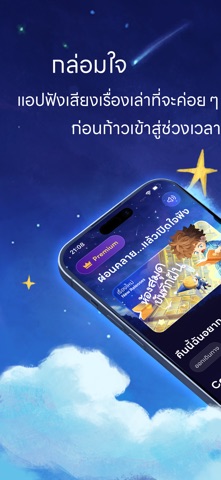


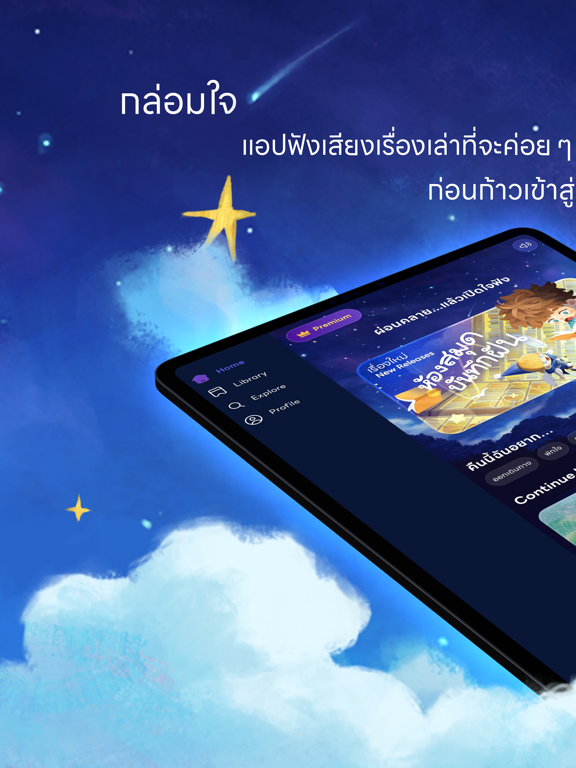
iPad screenshots





Icon palette
About this app
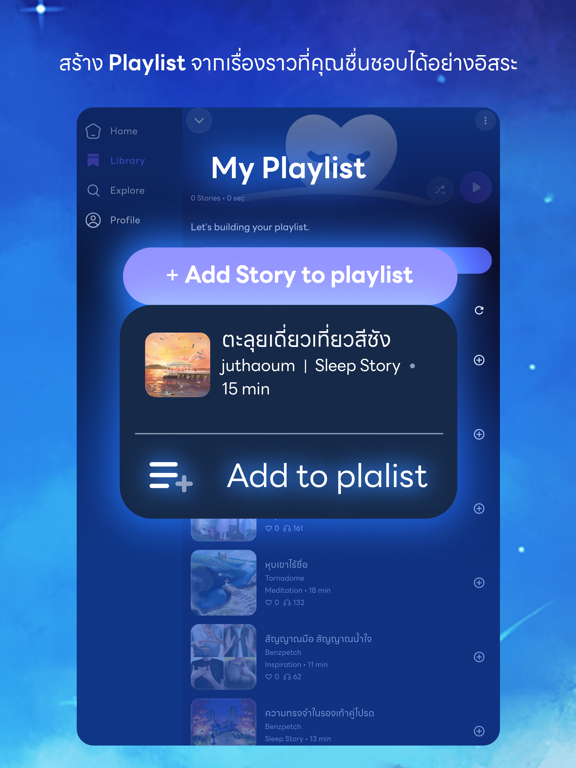
Klomjai(กล่อมใจ) แอปฟังเสียงเรื่องเล่าที่จะค่อย ๆ พาคุณผ่อนคลายอย่างแผ่วเบา ก่อนก้าวเข้าสู่ช่วงเวลาพักผ่อนอย่างแท้จริง เรื่องราวทุกเรื่องในกล่อมใจ ถูกถักทอขึ้นจากความตั้งใจของนักเขียน นักวาด และนักพากย์ จนกลายเป็นเสียงเล่าอันละเมียดละไมในหลากหลายหมวดหมู่ ให้คุณเลือกฟังได้ตามความต้องการ ไม่ว่าจะเป็นเรื่องเล่าก่อนนอน นิทานก่อนนอน การทำสมาธิผ่านเสียง หรือถ้อยคำปลอบประโลมหัวใจในวันที่เหนื่อยล้า พร้อมกับฟีเจอร์ที่ออกแบบมาเพื่อความสบายในการใช้งานมากยิ่งขึ้น เช่น การสร้าง Playlist, การ Download เก็บไว้ฟังแบบ Offline, Sleep Timer และ My Mixer ที่ช่วยให้คุณปรับระดับเสียงและ Ambient ได้อย่างอิสระ พร้อมตัวเลือก Ambient มากถึง 16 แบบ เพื่อสร้างบรรยากาศที่ใช่สำหรับการพักผ่อนของคุณในทุกคืน ให้เรื่องราวของเรา… คอยกล่อมค่ำคืนของคุณให้ช้าลง กับ Application Klomjai เพื่อนผู้คอยห่วงใยในทุกค่ำคืน
App details
What you can learn from Klomjai
Every shipping app on the App Store has gone through the same decisions you're working through right now: which screenshot goes first, what caption sits over it, which device frame to show, what color the background should be. The 16 screenshots above are Klomjai's answers to those questions — they're public, they're real, and they made it through Apple's review.
What the numbers say: Klomjai runs a dark set with one background colour (#0C144C) carried across every screenshot — the listing reads as a single poster when the shots sit side by side in search results. The accent colour we picked up, #2C64CC, is the one to reuse for badges, arrows and highlighted words if you borrow this look. Hit Use this style to open the editor with these exact colours and drop your own screenshot in.
Notice the first screenshot in particular. It's the one users see in search results and on the product page, and it's where most apps spend their best caption and tightest design. Look at the proportion of background to phone, where the text sits, what one thing the image is trying to communicate.
Want to see how other Health & Fitness apps approach the same problem? Browse more Health & Fitness apps in the showcase.
Take what works into your own screenshots
Open LaunchShots and design your App Store & Google Play screenshots — pick a device frame, drop captions, ship in minutes. Free, in your browser.
Open the screenshot editor →Apps with a similar look
Closest background + accent colours among the listings we've analysed — useful when you want to see the same palette handled by a different team.