Screenshots


Icon palette
About this app
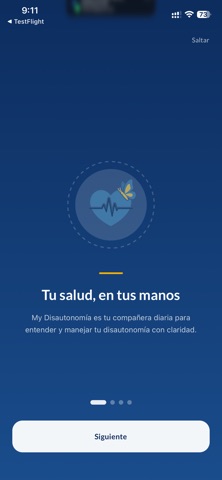
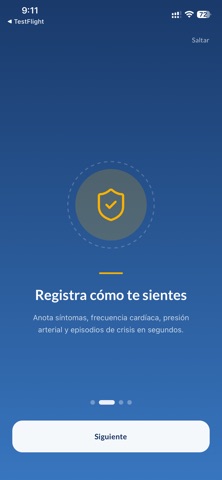
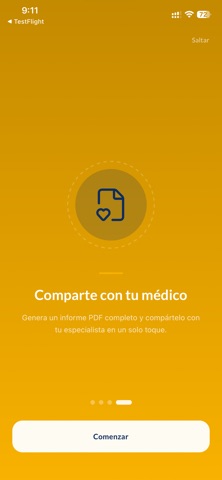
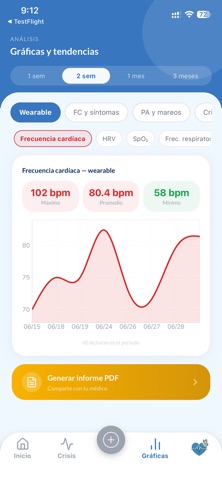
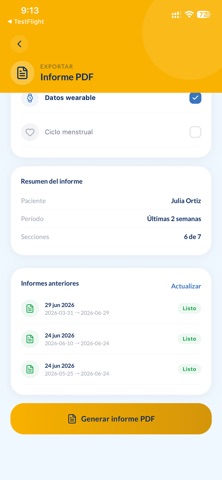
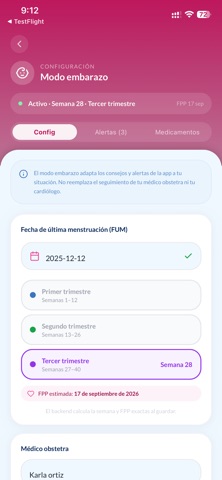
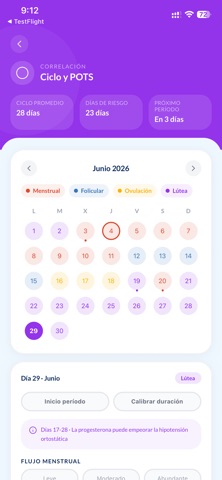
My Disautonomía es la app diseñada específicamente para pacientes con disautonomía, POTS (Taquicardia Ortostática Postural) y trastornos relacionados del sistema nervioso autónomo. REGISTRO DIARIO Registra tus síntomas, signos vitales, hidratación, sueño y medicamentos en segundos. Visualiza tu historial completo cuando lo necesites. SINCRONIZACIÓN CON APPLE WATCH Conecta tu Apple Watch y sincroniza automáticamente frecuencia cardíaca, variabilidad de frecuencia cardíaca (HRV), saturación de oxígeno, sueño y actividad física. MÓDULO DE CRISIS Registra episodios de crisis con un proceso simplificado pensado para momentos difíciles. Activa el modo de emergencia para notificar a tu contacto de confianza. GESTIÓN DE MEDICAMENTOS Administra tus medicamentos con recordatorios personalizados y lleva el control de cada toma. REPORTES PARA TU MÉDICO Genera reportes PDF profesionale…
App details
What you can learn from My Disautonomía
Every shipping app on the App Store has gone through the same decisions you're working through right now: which screenshot goes first, what caption sits over it, which device frame to show, what color the background should be. The 9 screenshots above are My Disautonomía's answers to those questions — they're public, they're real, and they made it through Apple's review.
Notice the first screenshot in particular. It's the one users see in search results and on the product page, and it's where most apps spend their best caption and tightest design. Look at the proportion of background to phone, where the text sits, what one thing the image is trying to communicate.
Want to see how other Medical apps approach the same problem? Browse more Medical apps in the showcase.
Take what works into your own screenshots
Open LaunchShots and design your App Store & Google Play screenshots — pick a device frame, drop captions, ship in minutes. Free, in your browser.
Open the screenshot editor →