Screenshots


Icon palette
About this app
AppScout helps iOS developers check the numbers that matter without opening a browser. Connect your App Store Connect Team Key, choose the apps you want to watch, and see downloads, revenue, refunds, trends, and breakdowns in one focused dashboard. AppScout fetches data directly from Apple’s App Store Connect API and keeps your key on your device. What you can do: - Track downloads, revenue, and refunds - Switch between apps and metrics - See charts across recent periods - Review recent sales and refund activity - Break down results by app, country or region, device, and product type - Explore the app with demo data before setup Privacy by design: - Private key stored in the iOS Keychain - No AppScout account - No AppScout backend - No ads or tracking SDKs AppScout requires your own App Store Connect Team Key with Sales and Reports access, plus your Vendor Number. It is made for d…
App details
What you can learn from AppScout: App Growth
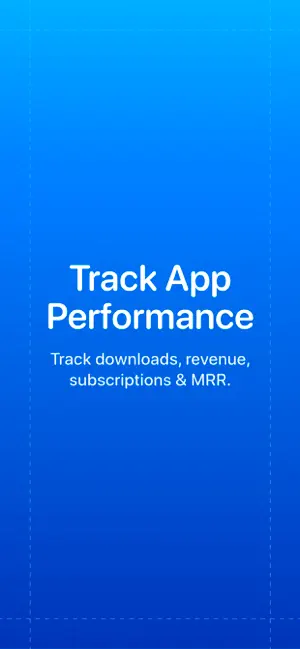
Every shipping app on the App Store has gone through the same decisions you're working through right now: which screenshot goes first, what caption sits over it, which device frame to show, what color the background should be. The 3 screenshots above are AppScout: App Growth's answers to those questions — they're public, they're real, and they made it through Apple's review.
Notice the first screenshot in particular. It's the one users see in search results and on the product page, and it's where most apps spend their best caption and tightest design. Look at the proportion of background to phone, where the text sits, what one thing the image is trying to communicate.
Want to see how other Developer Tools apps approach the same problem? Browse more Developer Tools apps in the showcase.
Take what works into your own screenshots
Open LaunchShots and design your App Store & Google Play screenshots — pick a device frame, drop captions, ship in minutes. Free, in your browser.
Open the screenshot editor →