Screenshots

Icon palette
About this app
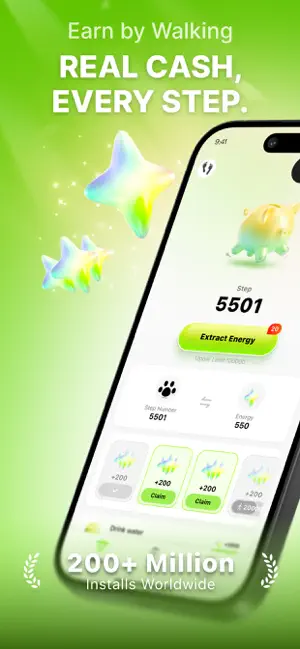
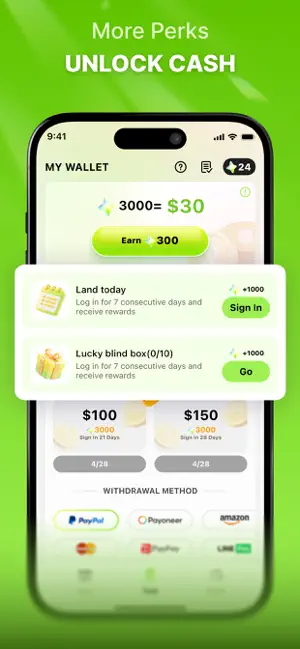
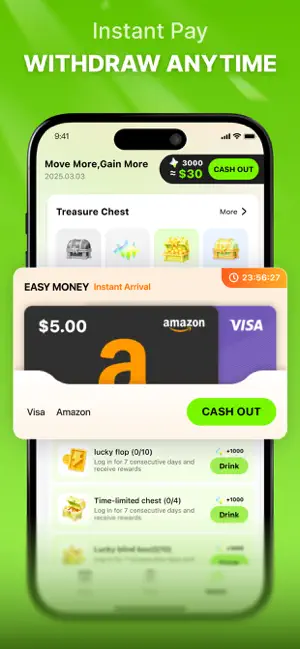
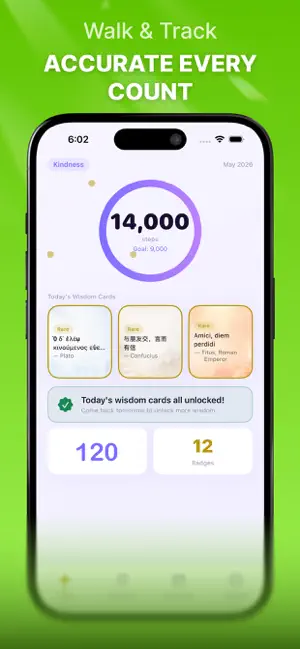
WalkCoin: Earn Rewards with Every Step You Take Effortless (except walking) conversion of your daily steps into real value. Whether you're jogging at sunrise, commuting through the city, or enjoying an afternoon stroll, every movement you make is automatically tracked and converted into rewards. No check-ins, no goals—just walk to earn rewards. Your efforts don't lie; your data will prove it. The more you walk, the more you get. Key Features Step Vault Your steps are your wealth. Every day, your steps are deposited into your personal Step Vault, growing like interest. You can check your "Step Asset Trend" at any time to see how your daily steps accumulate into a growing digital fortune. Keep walking, and your balance will thank you. Rewards Center Redeem your accumulated WalkCoins for popular gift cards, quality lifestyle products, and more—there's something for everyone. First ti…
App details
What you can learn from WalkCoin:Walk to Get Coins
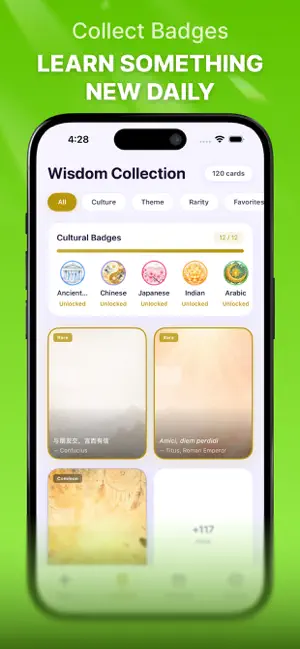
Every shipping app on the App Store has gone through the same decisions you're working through right now: which screenshot goes first, what caption sits over it, which device frame to show, what color the background should be. The 6 screenshots above are WalkCoin:Walk to Get Coins's answers to those questions — they're public, they're real, and they made it through Apple's review.
Notice the first screenshot in particular. It's the one users see in search results and on the product page, and it's where most apps spend their best caption and tightest design. Look at the proportion of background to phone, where the text sits, what one thing the image is trying to communicate.
Want to see how other Health & Fitness apps approach the same problem? Browse more Health & Fitness apps in the showcase.
Take what works into your own screenshots
Open LaunchShots and design your App Store & Google Play screenshots — pick a device frame, drop captions, ship in minutes. Free, in your browser.
Open the screenshot editor →