Screenshots
Icon palette
About this app
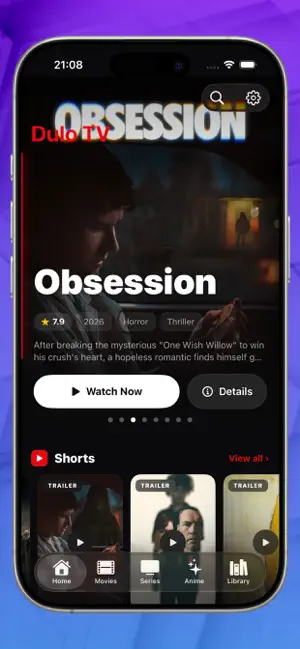
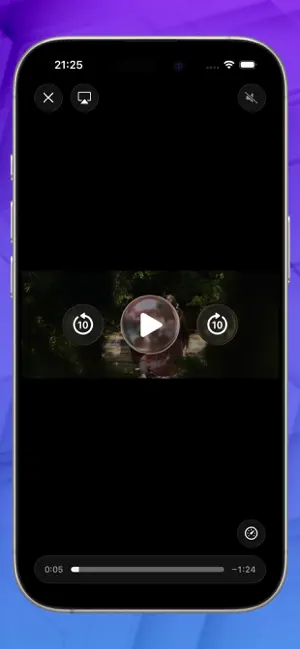
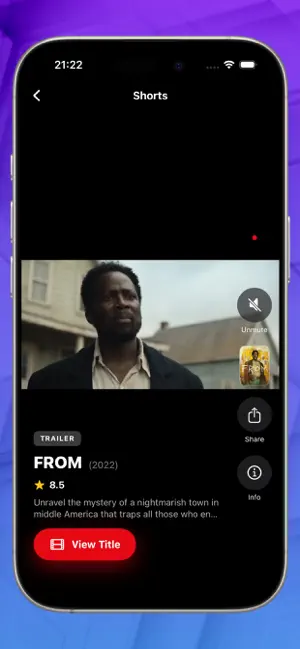
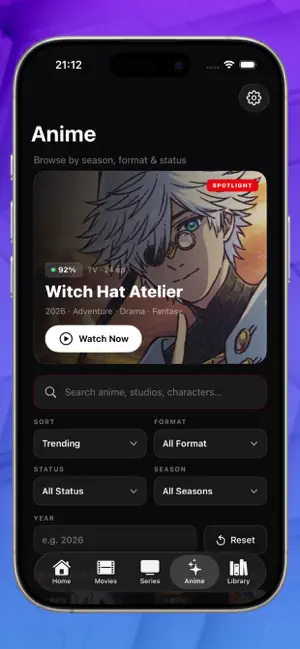
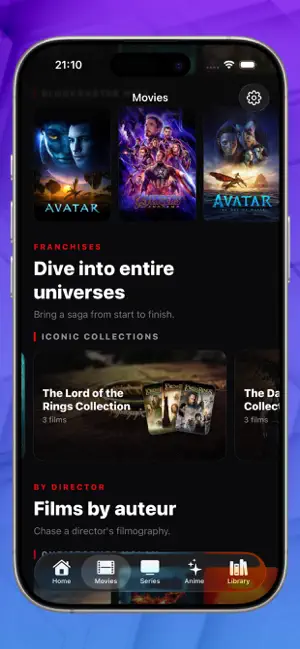
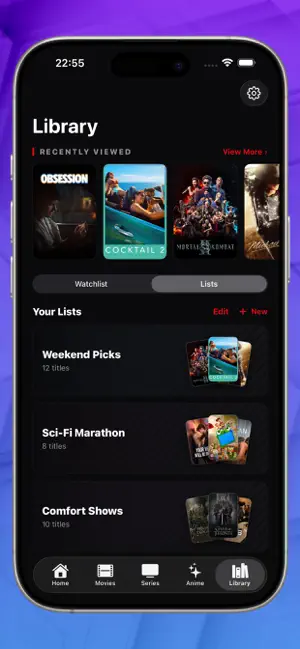
Dulo TV is your cinematic companion for discovering what to watch next — across movies, TV shows and anime, all in one beautifully dark interface. Browse trending titles, dive into franchises and collections, follow your favorite directors, and explore by decade or genre. Tap any title to see ratings, cast, seasons and episodes, and play the trailer instantly. Save what catches your eye and keep it organized. WHAT YOU CAN DO • Discover — trending movies, TV and anime, plus curated collections and editor picks • Trailers, instantly — watch trailers, teasers and featurettes full-screen • Shorts — swipe a vertical reel of trailers • Deep details — ratings, synopsis, cast, seasons and clickable episodes • Anime done right — filter by sort, format, status, season and year • Your Library — build a watchlist and custom lists; add or remove any title • Search everything — movies, series and a…
App details
What you can learn from Dulo TV
Every shipping app on the App Store has gone through the same decisions you're working through right now: which screenshot goes first, what caption sits over it, which device frame to show, what color the background should be. The 6 screenshots above are Dulo TV's answers to those questions — they're public, they're real, and they made it through Apple's review.
Notice the first screenshot in particular. It's the one users see in search results and on the product page, and it's where most apps spend their best caption and tightest design. Look at the proportion of background to phone, where the text sits, what one thing the image is trying to communicate.
Want to see how other Entertainment apps approach the same problem? Browse more Entertainment apps in the showcase.
Take what works into your own screenshots
Open LaunchShots and design your App Store & Google Play screenshots — pick a device frame, drop captions, ship in minutes. Free, in your browser.
Open the screenshot editor →