Screenshots
Icon palette
About this app
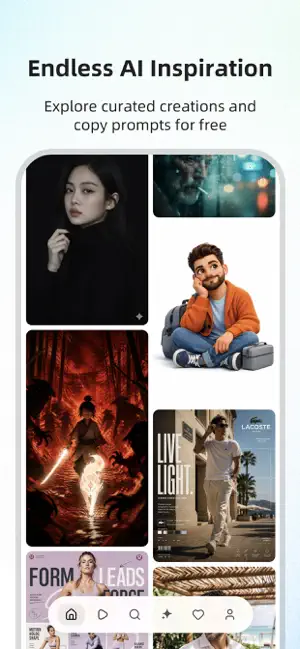
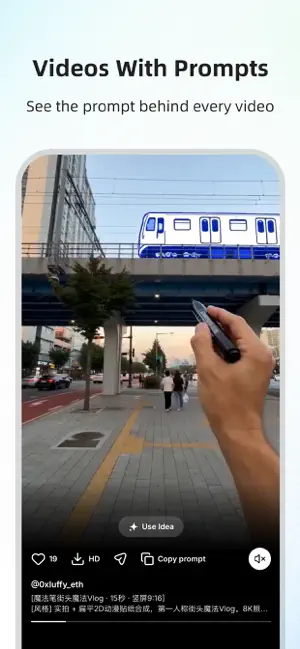
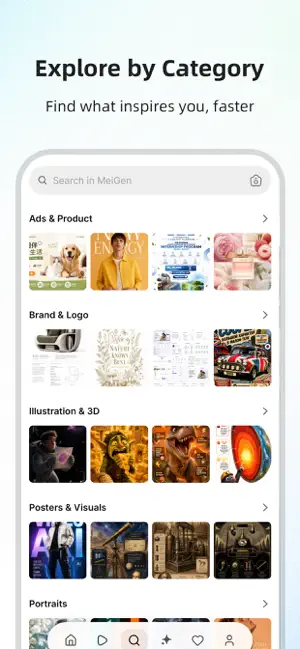
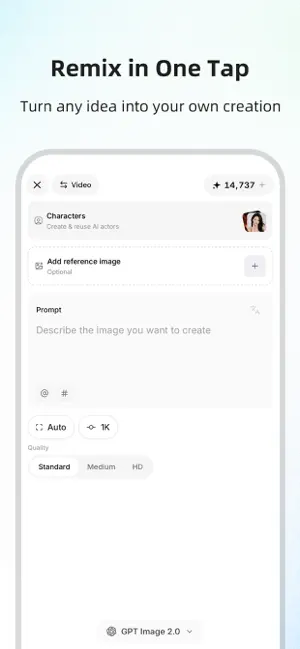
Inspiration becomes creation. An endless, ever-growing feed of striking AI images and videos — the kind worth stopping for. DISCOVER An infinite stream of AI art, refreshed every day. Portraits, product shots, brand logos, illustration & 3D, posters, cinematic video — every style, every idea worth exploring. SEE HOW IT'S MADE Every creation reveals the full prompt behind it. No guessing — copy the exact recipe with a single tap. MAKE IT REAL Turn any spark into finished work. Recreate a prompt or start from nothing — generate original images and videos, reuse AI characters, refine until it feels right. Generation uses credits, available via in-app purchase. SAVE WHAT INSPIRES Collect ideas into boards and return whenever inspiration strikes. Free to explore. Endless to discover. Made to create. MeiGen — the home for AI inspiration.
App details
What you can learn from MeiGen AI Gallery
Every shipping app on the App Store has gone through the same decisions you're working through right now: which screenshot goes first, what caption sits over it, which device frame to show, what color the background should be. The 4 screenshots above are MeiGen AI Gallery's answers to those questions — they're public, they're real, and they made it through Apple's review.
Notice the first screenshot in particular. It's the one users see in search results and on the product page, and it's where most apps spend their best caption and tightest design. Look at the proportion of background to phone, where the text sits, what one thing the image is trying to communicate.
Want to see how other Graphics & Design apps approach the same problem? Browse more Graphics & Design apps in the showcase.
Take what works into your own screenshots
Open LaunchShots and design your App Store & Google Play screenshots — pick a device frame, drop captions, ship in minutes. Free, in your browser.
Open the screenshot editor →