Screenshots
Icon palette
About this app
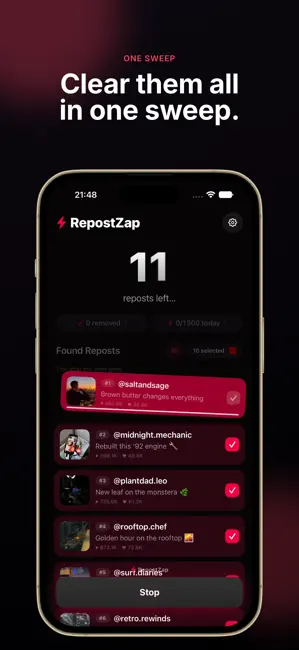
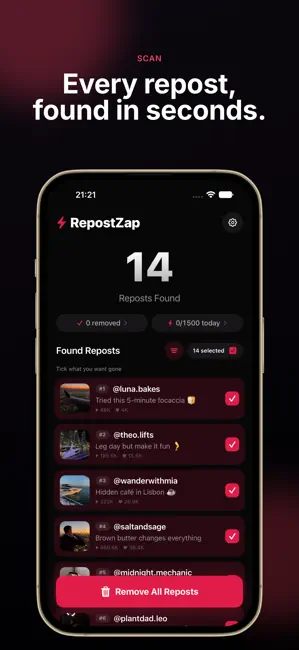
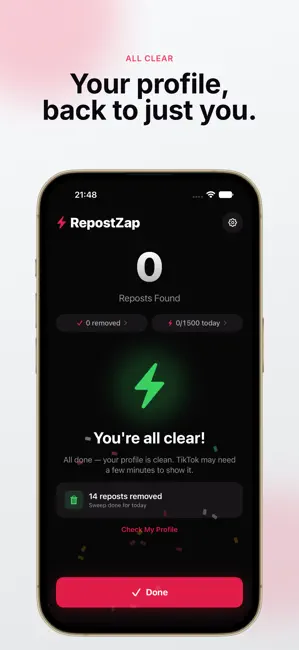
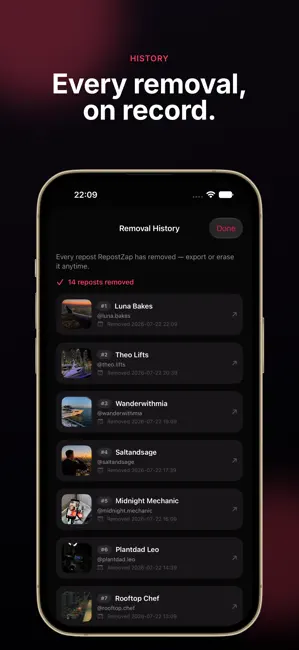
Your profile, back to just you. RepostZap finds every repost sitting on your profile, shows you exactly what it found, and clears the ones you choose. In bulk, in one pass, with you in control the whole way. No more scrolling back through months of activity to undo reposts one at a time. HOW IT WORKS 1. Connect your account in a normal in-app session 2. Scan your profile, and RepostZap lists every repost it finds 3. Review the list and pick what to keep 4. Confirm, then watch the selected reposts clear in real time WHAT YOU GET - Full profile scan with a live repost count - Nothing is removed until you confirm it - Bulk cleanup that runs in one pass instead of tap after tap - Cleanup history you can review, export as CSV, or erase - Invite rewards: every verified invite raises your daily removal limit - A built-in demo, so you can watch the whole flow before connecting anything BUIL…
App details
What you can learn from RepostZap: Repost Remover
Every shipping app on the App Store has gone through the same decisions you're working through right now: which screenshot goes first, what caption sits over it, which device frame to show, what color the background should be. The 4 screenshots above are RepostZap: Repost Remover's answers to those questions — they're public, they're real, and they made it through Apple's review.
Notice the first screenshot in particular. It's the one users see in search results and on the product page, and it's where most apps spend their best caption and tightest design. Look at the proportion of background to phone, where the text sits, what one thing the image is trying to communicate.
Want to see how other Social Networking apps approach the same problem? Browse more Social Networking apps in the showcase.
Take what works into your own screenshots
Open LaunchShots and design your App Store & Google Play screenshots — pick a device frame, drop captions, ship in minutes. Free, in your browser.
Open the screenshot editor →