Chart position — tracked daily by LaunchShots
Screenshot style breakdown
Sampled from 5 of CCtalk - 丰富多元的知识兴趣社区's App Store screenshots — background, accent and theme, measured by LaunchShots (not something Apple publishes).
#D4FCC4 bg
#BADDAC
#F484FC accent
#111111 text
Screenshots
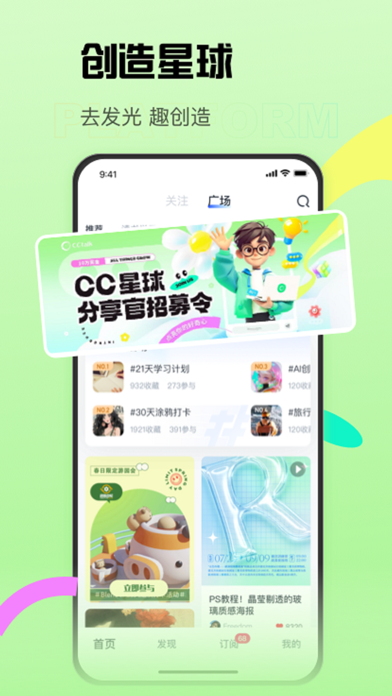
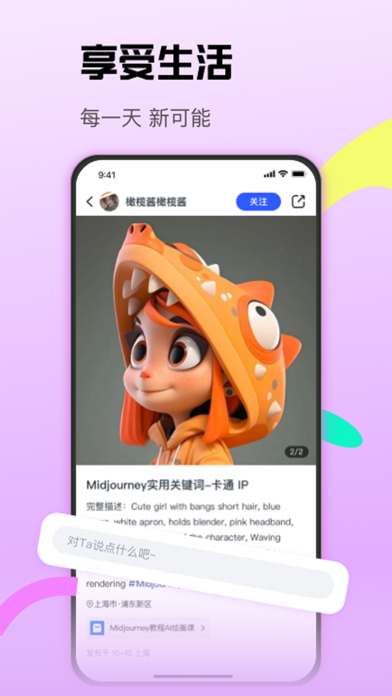


iPad screenshots
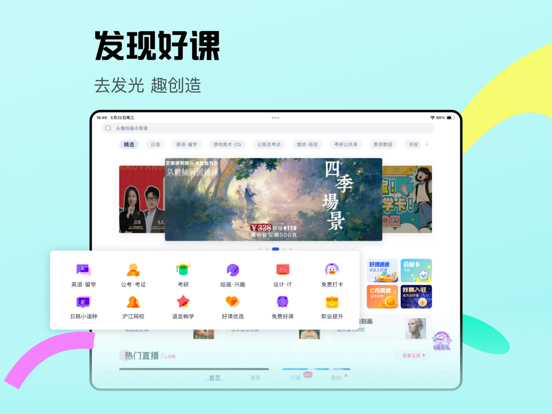

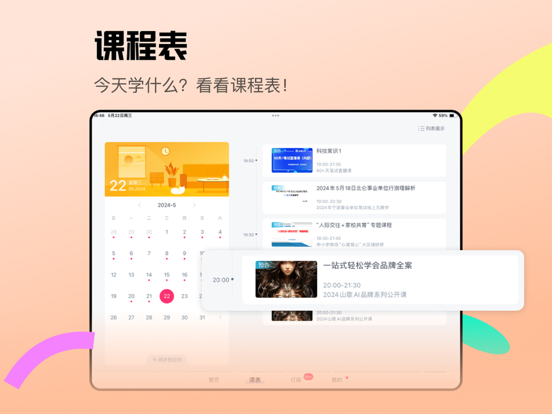


Icon palette
About this app
从兴趣出发,向专业深耕,与你的伙伴共同探索热爱与未知、传递理解与善意,感受陪伴、互助、同行的力量。 探索热爱发现精彩:无论你是痴迷绘画、决心上岸、热衷手作、沉醉烘焙、钻研摄影、向往异国、好奇科技......这里是一个多元的知识兴趣社区,有无数和你一样对生命充满热诚与好奇的年轻人,正在探索自己的潜能与边界。你我的勇敢分享、真实记录,不仅点亮了自己的精彩,也可能成为照亮另一个同好、同路人的微光。 加入小组遇见同好:小组是独立生长于大社区下的各个小社区,主题各异、自由生长、蓬勃绽放,将拥有难以置信的真实活力。小组帮助你快速找到一群同好、同目标的线上伙伴,你的热爱找到归属,你的好奇会被回应、你的特别有人理解。 精进技艺名师云集:社区不止有同伴,还有名师和专业领路人。从兴趣出发,向专业深耕,无论是语言学习,还是考试考证、职场技能学习,又或是设计绘画、生活技能提升,众多行业头部名师在这里直播授课,带你从入门到进阶。平台已积累超25万知识分享者、不同品类的课程数量过千万、注册用户过亿,覆盖70多个国家和400…
App details
What you can learn from CCtalk - 丰富多元的知识兴趣社区
Every shipping app on the App Store has gone through the same decisions you're working through right now: which screenshot goes first, what caption sits over it, which device frame to show, what color the background should be. The 10 screenshots above are CCtalk - 丰富多元的知识兴趣社区's answers to those questions — they're public, they're real, and they made it through Apple's review.
What the numbers say: CCtalk - 丰富多元的知识兴趣社区 runs a light set where the background shifts from screenshot to screenshot (first shot #D4FCC4) — each image has to stand on its own, so the captions carry more of the story. The accent colour we picked up, #F484FC, is the one to reuse for badges, arrows and highlighted words if you borrow this look. Hit Use this style to open the editor with these exact colours and drop your own screenshot in.
Notice the first screenshot in particular. It's the one users see in search results and on the product page, and it's where most apps spend their best caption and tightest design. Look at the proportion of background to phone, where the text sits, what one thing the image is trying to communicate.
Want to see how other Social Networking apps approach the same problem? Browse more Social Networking apps in the showcase.
Take what works into your own screenshots
Open LaunchShots and design your App Store & Google Play screenshots — pick a device frame, drop captions, ship in minutes. Free, in your browser.
Open the screenshot editor →Apps with a similar look
Closest background + accent colours among the listings we've analysed — useful when you want to see the same palette handled by a different team.