Screenshots


iPad screenshots
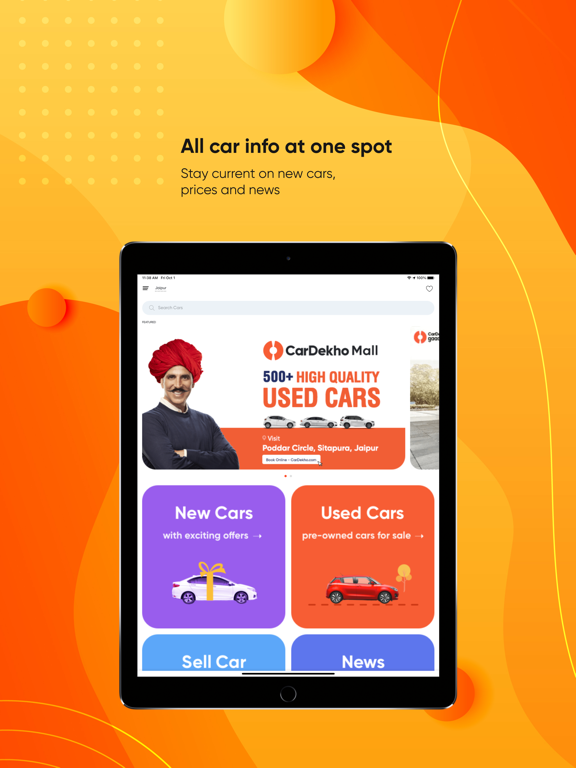
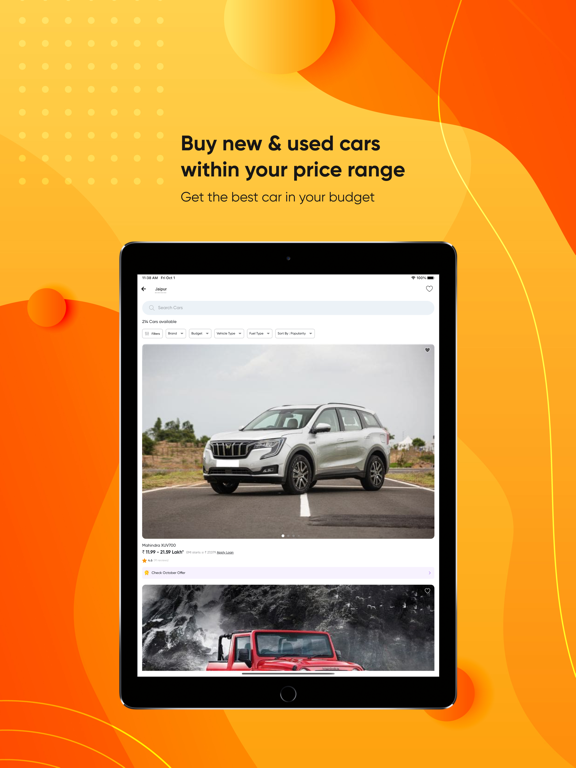
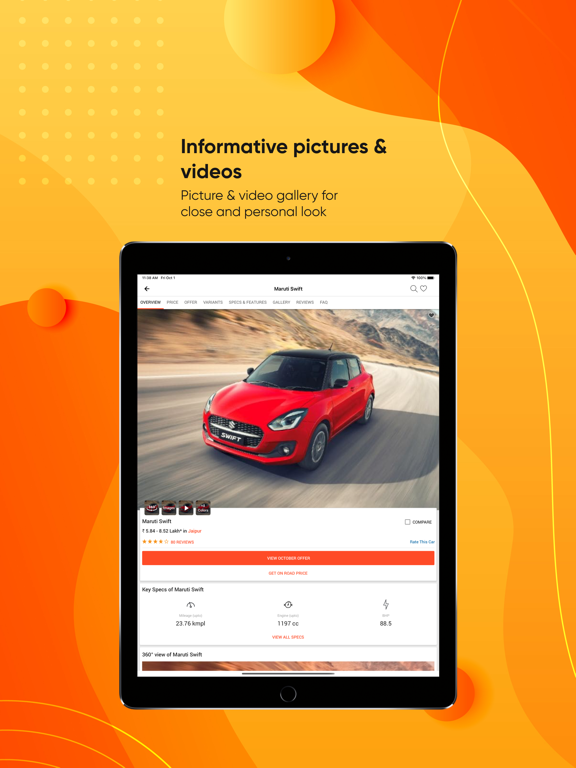
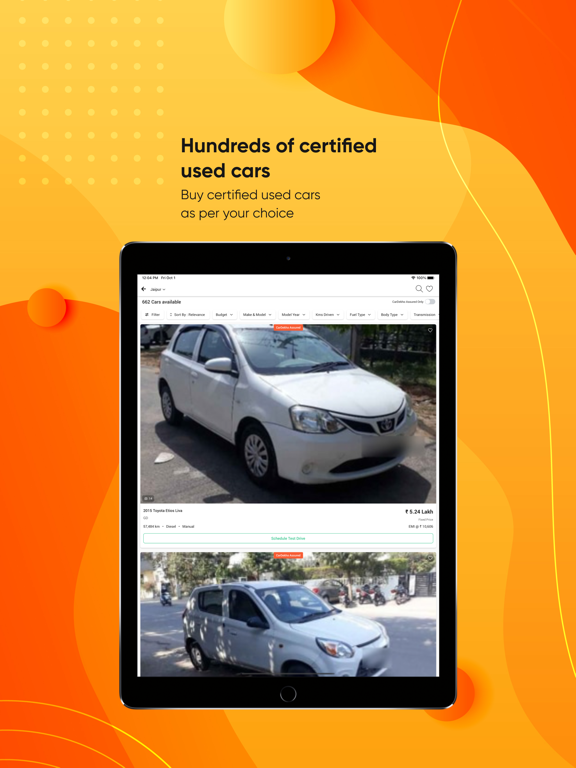
Icon palette
About this app
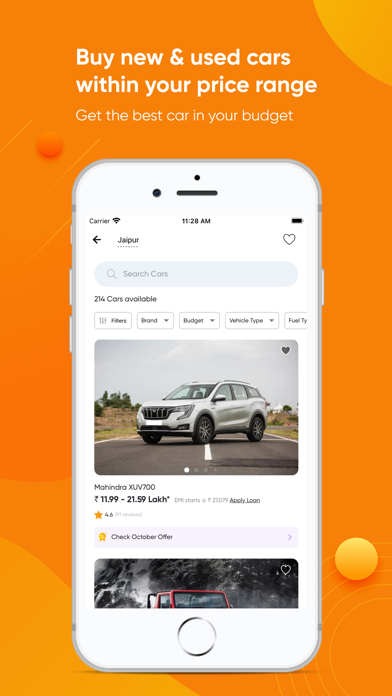
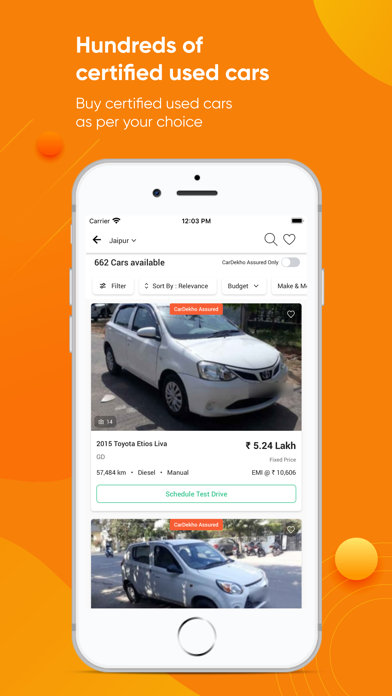
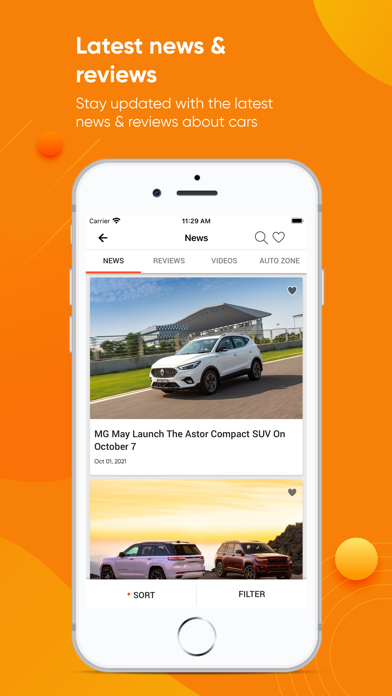
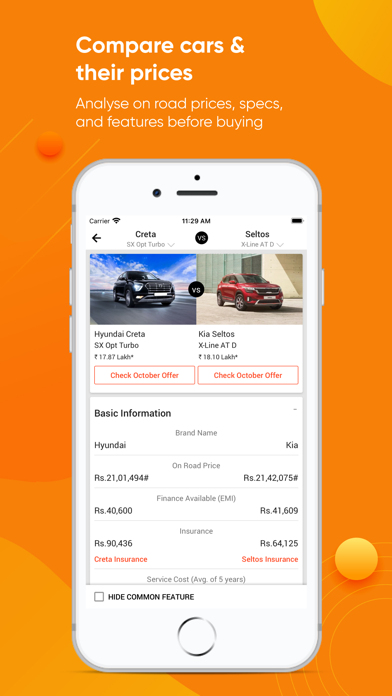
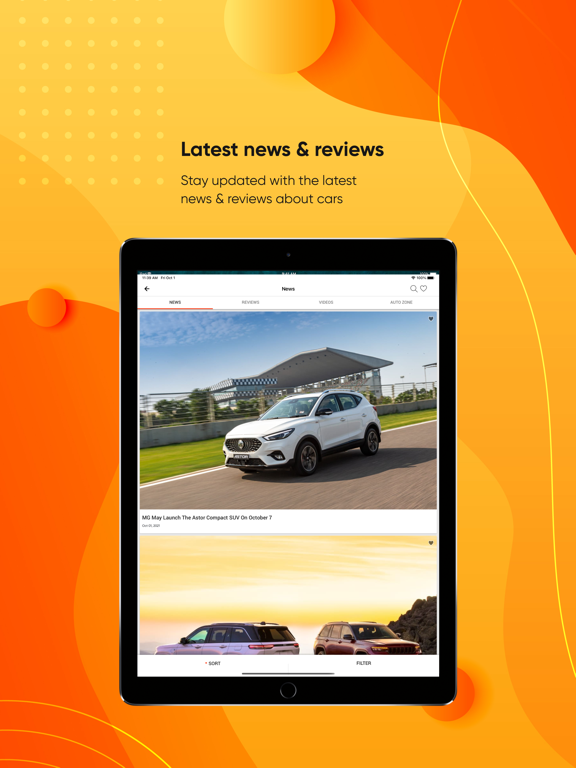
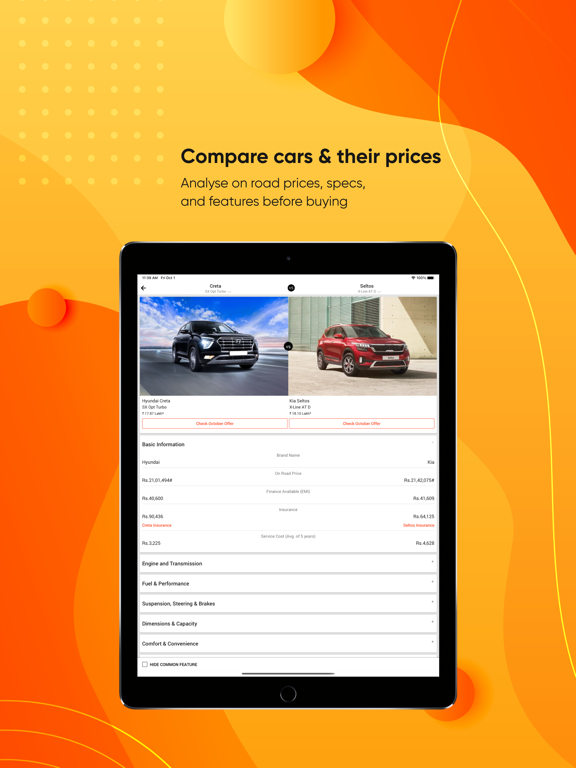
Looking to buy new car? Or buy and sell a used car? You can do all this and more using CarDekho - the best car app in India. Do your car research - find out about latest car, popular car and upcoming car in India. Check out on-road price of various car models in your city, compare specs and features of two or more cars. Find out about the latest car offer and discount, get assistance with car loan, car insurance and more. You can even buy and sell used car easily using the CarDekho app, which has over 1 lakh used cars for sale. Benefits of downloading CarDekho app: Compare on-road price, specs and features Use the CarDekho app to get accurate and up-to-date on-road price of cars in your city. You can also compare car prices and specs, and even different variants of the same car to decide which one to buy. Car Loan, Car Loan EMI Calculator Find out more details about the car loan you…
App details
What you can learn from CarDekho
Every shipping app on the App Store has gone through the same decisions you're working through right now: which screenshot goes first, what caption sits over it, which device frame to show, what color the background should be. The 12 screenshots above are CarDekho's answers to those questions — they're public, they're real, and they made it through Apple's review.
Notice the first screenshot in particular. It's the one users see in search results and on the product page, and it's where most apps spend their best caption and tightest design. Look at the proportion of background to phone, where the text sits, what one thing the image is trying to communicate.
Want to see how other Shopping apps approach the same problem? Browse more Shopping apps in the showcase.
Take what works into your own screenshots
Open LaunchShots and design your App Store & Google Play screenshots — pick a device frame, drop captions, ship in minutes. Free, in your browser.
Open the screenshot editor →