Screenshots
Icon palette
About this app
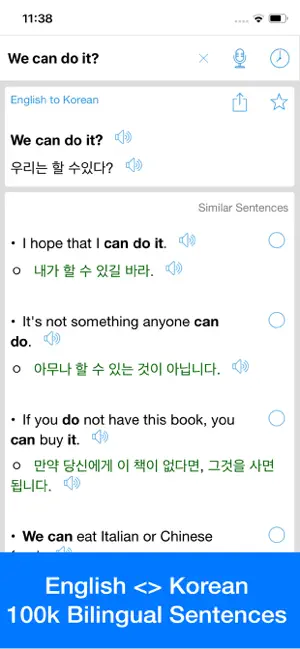
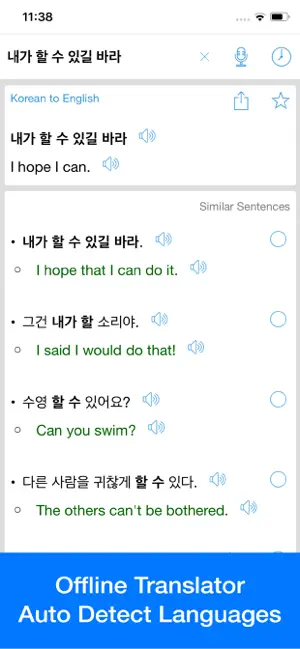
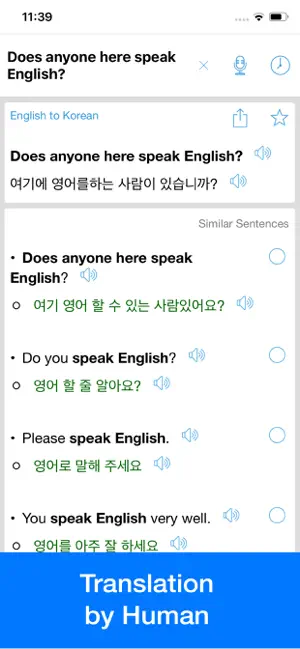
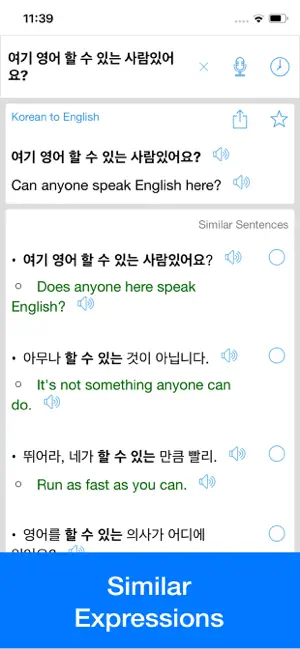
English to Korean & Korean to English Offline Translator & Dictionary app with ability to search similar sentences & expressions. Offline Translator Includes more than 100K words, bilingual sentences & expressions Auto language detection Pronunciation with human voice. Ability to find sentences, phrases, related words. Word correction for mistyped words. Tap word to see its meaning in popup window. Review words and expressions with History & Favorites. *********************** Upgrade to Premium to remove ads and enjoy unlimited offline translations. You can pay once for Premium or choose from 2 subscription options - a yearly subscription. (comes with 3-day free trial) - a monthly subscription. – Payment will be charged to iTunes Account at confirmation of purchase. – Subscription automatically renews unless auto-renew is turned off at least 24-hours before the end of the current …
App details
What you can learn from 영어 번역기 - 오프라인 번역기 및 사전
Every shipping app on the App Store has gone through the same decisions you're working through right now: which screenshot goes first, what caption sits over it, which device frame to show, what color the background should be. The 4 screenshots above are 영어 번역기 - 오프라인 번역기 및 사전's answers to those questions — they're public, they're real, and they made it through Apple's review.
Notice the first screenshot in particular. It's the one users see in search results and on the product page, and it's where most apps spend their best caption and tightest design. Look at the proportion of background to phone, where the text sits, what one thing the image is trying to communicate.
Want to see how other Reference apps approach the same problem? Browse more Reference apps in the showcase.
Take what works into your own screenshots
Open LaunchShots and design your App Store & Google Play screenshots — pick a device frame, drop captions, ship in minutes. Free, in your browser.
Open the screenshot editor →