Screenshots
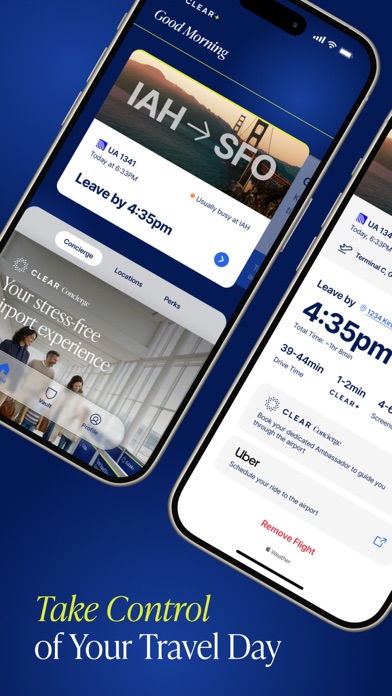
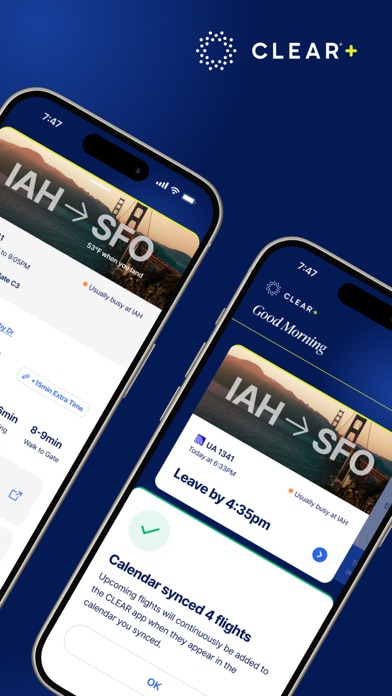
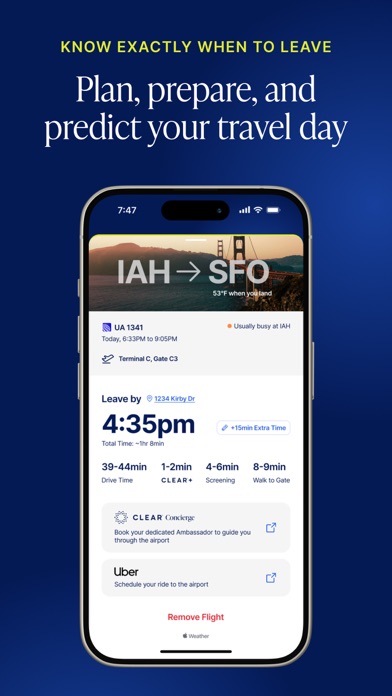
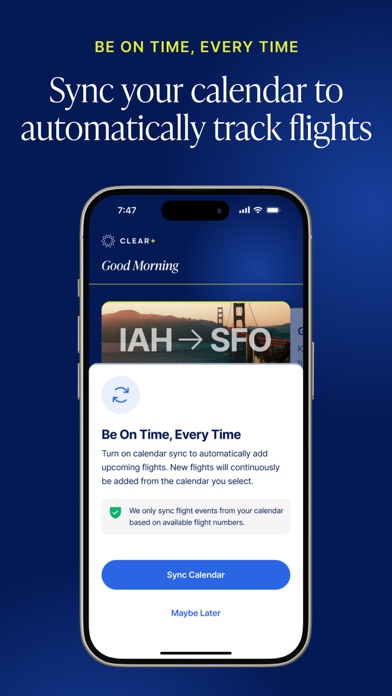
iPad screenshots


Icon palette
About this app
CLEAR is a secure identity company making experiences safer and easier—physically and digitally. Our identity solution confirms that you are you, unlocking better experiences to make your life frictionless. Think of this app as CLEAR in your pocket: Take control of airport travel and get to your gate perfectly on time—every time—with Home-to-Gate. Easily find CLEAR locations to skip long lines at stadiums and arenas, so you don't miss a second of the action. Upload your passport to be REAL ID ready and keep moving quickly through the airport. No matter the journey or the destination, CLEAR keeps you moving. Your Privacy is Our Priority: Using CLEAR is completely opt-in: we keep your data secure and protect your privacy. Transparency and security are at the center of everything we do—that means keeping you in control of your own personal information. You will always know when CLEAR i…
App details
What you can learn from CLEAR - Travel & Experiences
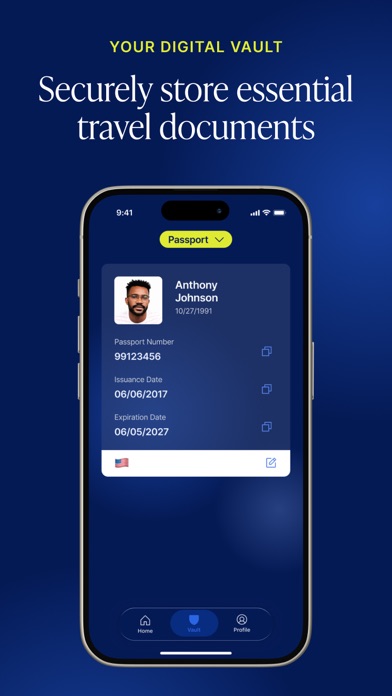
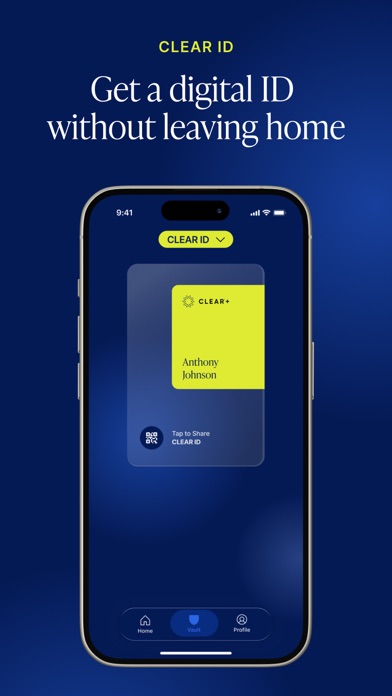
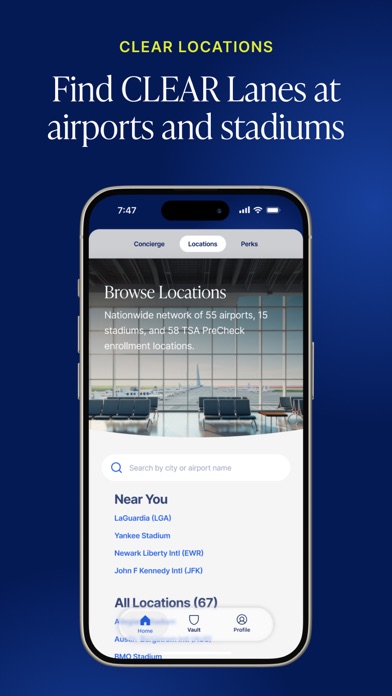
Every shipping app on the App Store has gone through the same decisions you're working through right now: which screenshot goes first, what caption sits over it, which device frame to show, what color the background should be. The 10 screenshots above are CLEAR - Travel & Experiences's answers to those questions — they're public, they're real, and they made it through Apple's review.
Notice the first screenshot in particular. It's the one users see in search results and on the product page, and it's where most apps spend their best caption and tightest design. Look at the proportion of background to phone, where the text sits, what one thing the image is trying to communicate.
Want to see how other Travel apps approach the same problem? Browse more Travel apps in the showcase.
Take what works into your own screenshots
Open LaunchShots and design your App Store & Google Play screenshots — pick a device frame, drop captions, ship in minutes. Free, in your browser.
Open the screenshot editor →