Chart position — tracked daily by LaunchShots
Screenshot style breakdown
Sampled from 6 of Mój BIK - bezpieczne finanse's App Store screenshots — background, accent and theme, measured by LaunchShots (not something Apple publishes).
#FCFCFC bg
#DDDDDD
#049CDC accent
#111111 text
Screenshots

Icon palette
About this app
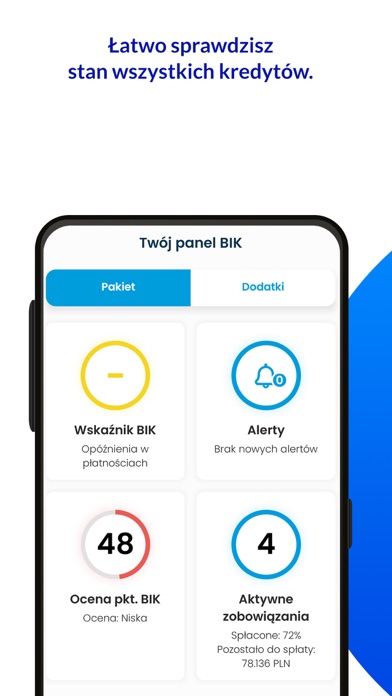
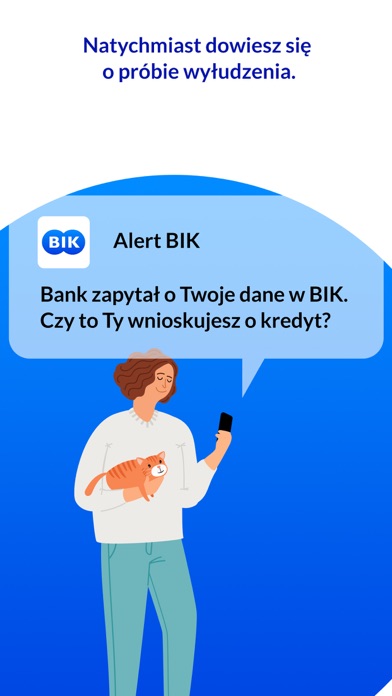
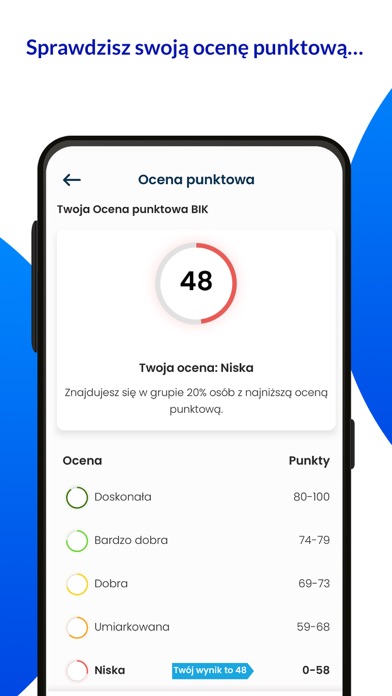
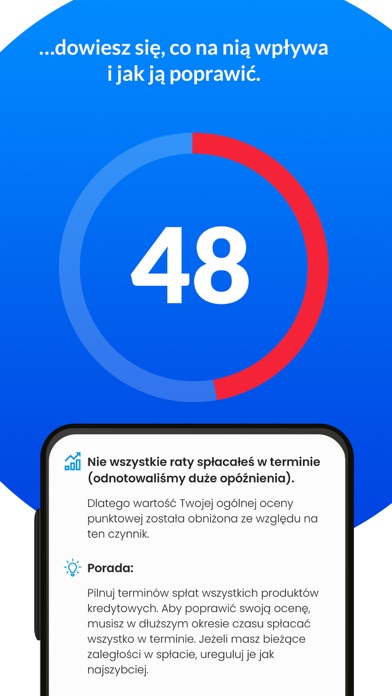
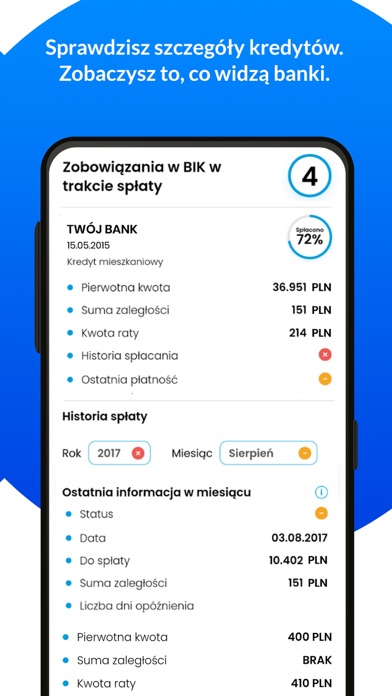
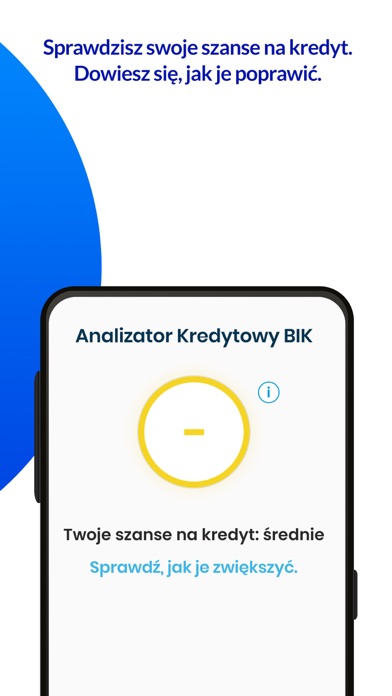
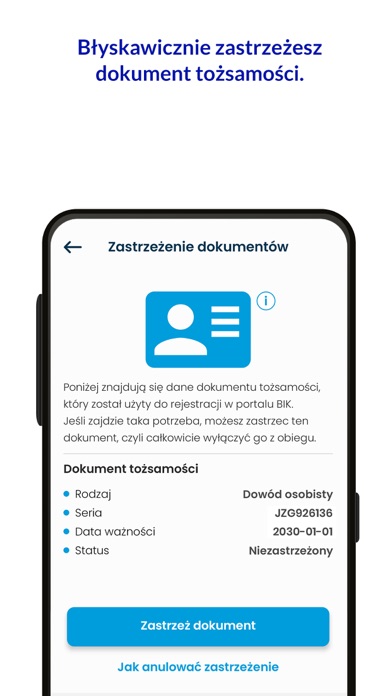
W aplikacji Mój BIK w każdej chwili możesz sprawdzić swoją historię kredytową oraz ocenę punktową BIK. Możesz też policzyć swoje szanse na kredyt za pomocą Analizatora Kredytowego BIK. Dowiesz się też o próbie wyłudzenia na Twoje dane. Możesz objąć ochroną również swoich bliskich. Bezpłatnie otrzymujesz: • Możliwość obliczenia szans na kredyt w Analizatorze Kredytowym BIK, który jako jedyny kalkulator na rynku bierze pod uwagę Twoją historię kredytową a więc informacje, na które również patrzą banki, gdy podejmują decyzje kredytowe, • Powiadomienia BIK, czyli ogólne informacje o zmianach Twoich danych w BIK lub w BIG InfoMonitor • możliwość zastrzeżenia dowodu osobistego, przydatną w przypadku jego utraty lub kradzieży Płatna oferta: Możesz zdecydować, czy korzystasz z indywidualnej oferty czy zapewnisz ochronę także swoim bliskim. W każdym płatnym wariancie zyskujesz: • …
App details
What you can learn from Mój BIK - bezpieczne finanse
Every shipping app on the App Store has gone through the same decisions you're working through right now: which screenshot goes first, what caption sits over it, which device frame to show, what color the background should be. The 8 screenshots above are Mój BIK - bezpieczne finanse's answers to those questions — they're public, they're real, and they made it through Apple's review.
What the numbers say: Mój BIK - bezpieczne finanse runs a light set with one background colour (#FCFCFC) carried across every screenshot — the listing reads as a single poster when the shots sit side by side in search results. The accent colour we picked up, #049CDC, is the one to reuse for badges, arrows and highlighted words if you borrow this look. Hit Use this style to open the editor with these exact colours and drop your own screenshot in.
Notice the first screenshot in particular. It's the one users see in search results and on the product page, and it's where most apps spend their best caption and tightest design. Look at the proportion of background to phone, where the text sits, what one thing the image is trying to communicate.
Want to see how other Finance apps approach the same problem? Browse more Finance apps in the showcase.
Take what works into your own screenshots
Open LaunchShots and design your App Store & Google Play screenshots — pick a device frame, drop captions, ship in minutes. Free, in your browser.
Open the screenshot editor →Apps with a similar look
Closest background + accent colours among the listings we've analysed — useful when you want to see the same palette handled by a different team.