Screenshots
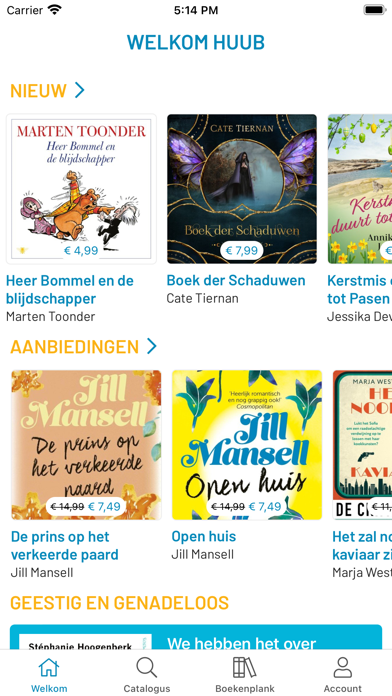
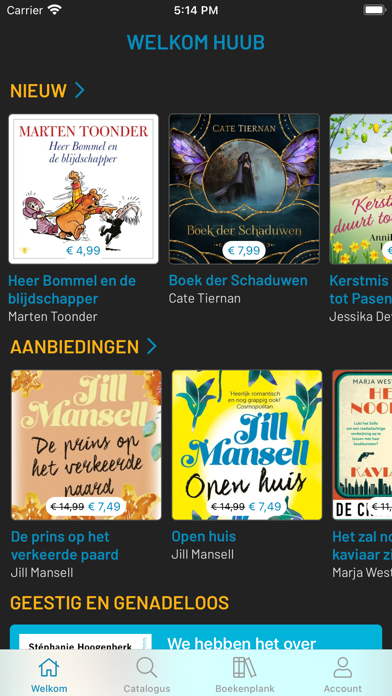
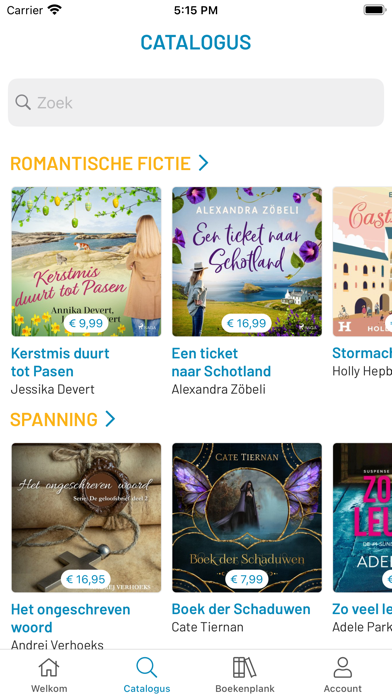
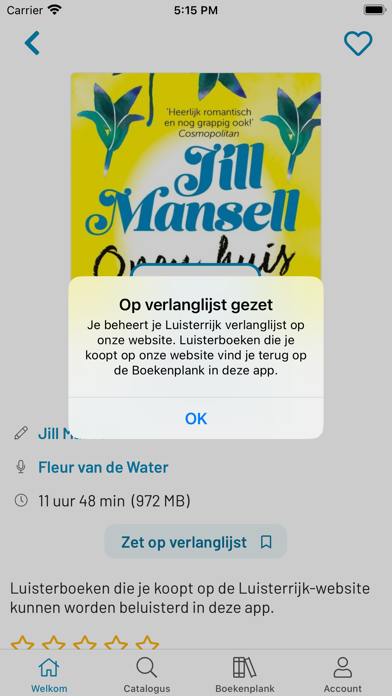
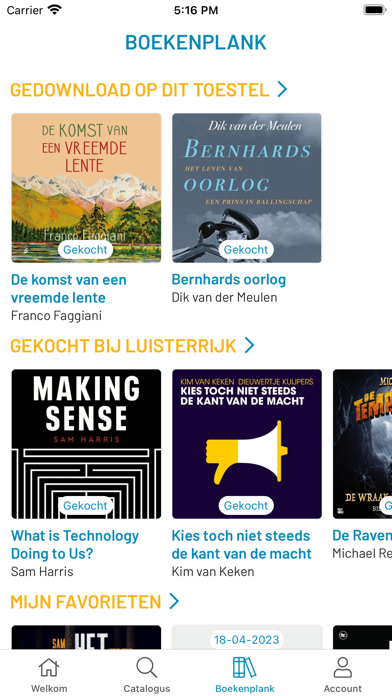
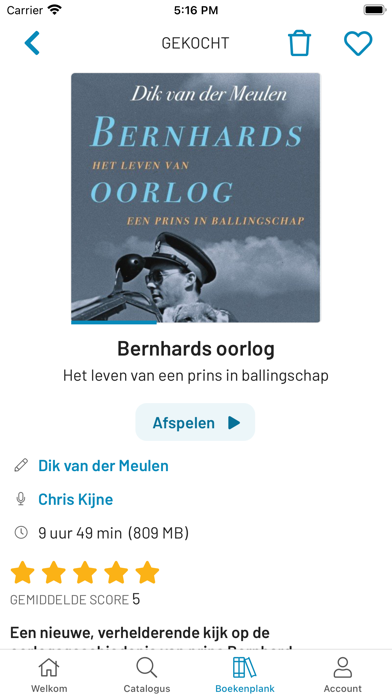
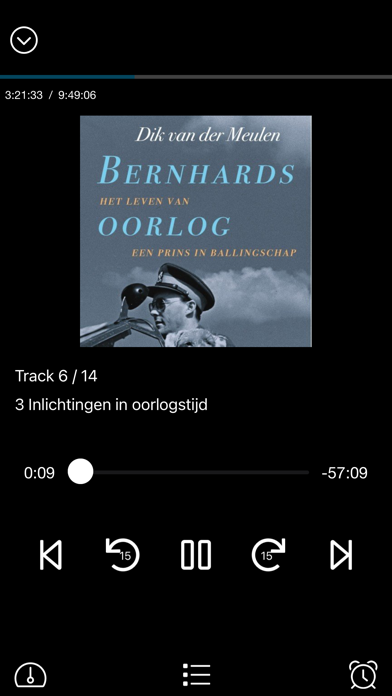
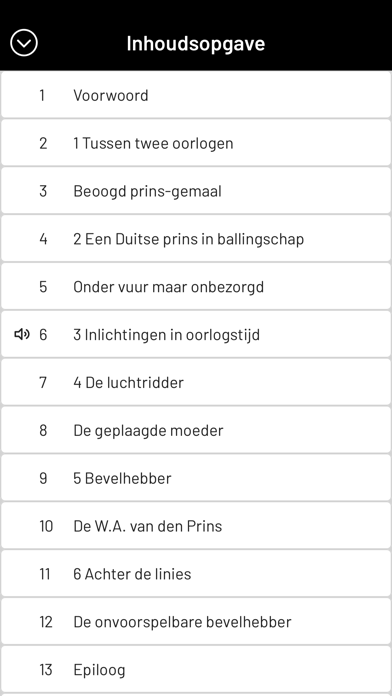
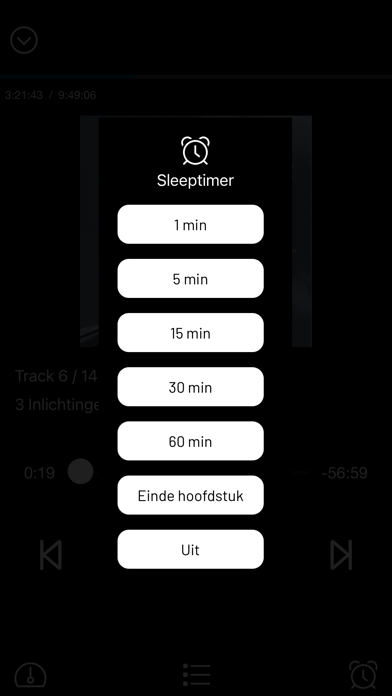
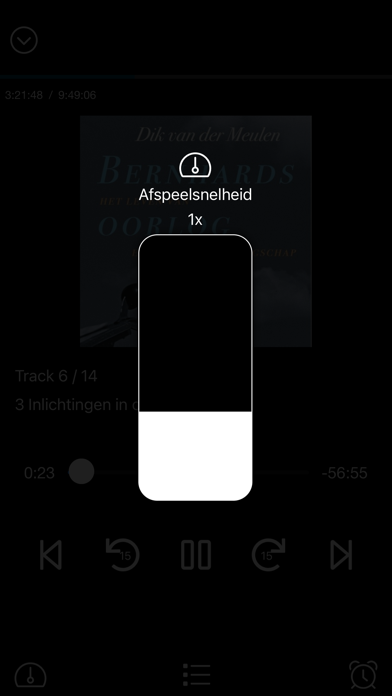
iPad screenshots


Icon palette
About this app
Luisterboeken zonder abonnement! Deze volledig vernieuwde app is er om het zoeken, downloaden en afspelen van je luisterboeken op je iPhone en iPad eenvoudig te maken. Je kunt de app gebruiken nadat je een Luisterrijk account hebt aangemaakt. Dat moet helaas via de website. - Dynamische homepage met nieuwe, aangekondige, afgeprijsde en uitgelichte titels - Volledige catalogus nu ook in de app - Krachtige zoekfunctie om hele catalogus te doorzoeken - Dark mode ondersteuning - Favorieten bewaren - Overzicht beluisterde luisterboeken - Verlanglijst t.b.v. toekomstige aankopen - Overzicht van aangekondigde luisterboeken - Een account ondersteunt nu meerdere profielen. Gebruik hetzelfde emailadres op meerdere apparaten, bijvoorbeeld voor het gezin, met voor iedereen eigen afspeelposities en favorieten. - Kindprofiel dat alleen kindveilige luisterboeken toont - Beoordeel een luisterboek met …
App details
What you can learn from Luisterrijk luisterboeken
Every shipping app on the App Store has gone through the same decisions you're working through right now: which screenshot goes first, what caption sits over it, which device frame to show, what color the background should be. The 20 screenshots above are Luisterrijk luisterboeken's answers to those questions — they're public, they're real, and they made it through Apple's review.
Notice the first screenshot in particular. It's the one users see in search results and on the product page, and it's where most apps spend their best caption and tightest design. Look at the proportion of background to phone, where the text sits, what one thing the image is trying to communicate.
Want to see how other Book apps approach the same problem? Browse more Book apps in the showcase.
Take what works into your own screenshots
Open LaunchShots and design your App Store & Google Play screenshots — pick a device frame, drop captions, ship in minutes. Free, in your browser.
Open the screenshot editor →