Screenshots
Icon palette
About this app
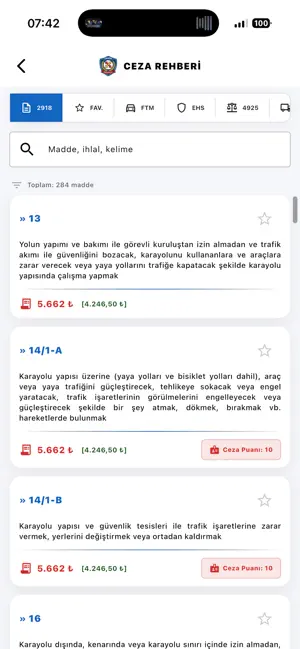
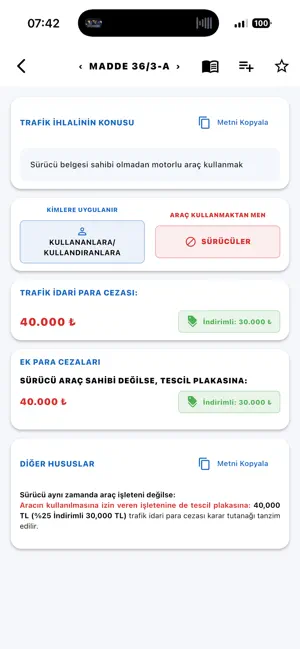
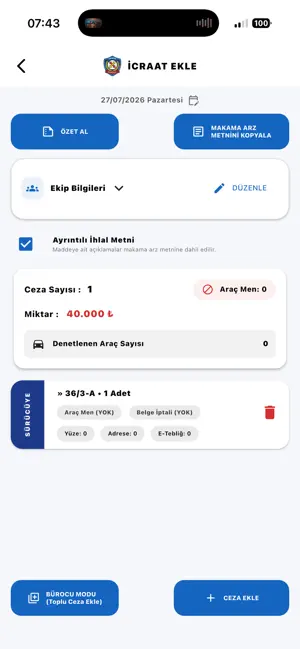
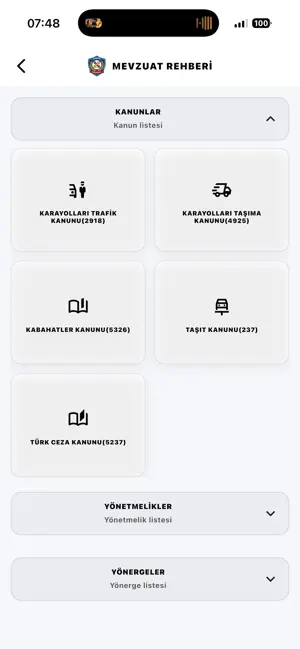
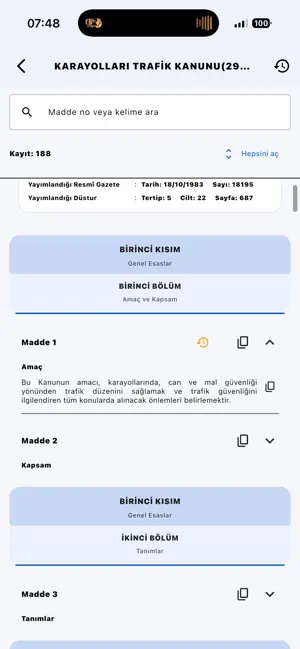
Trafik Rehberi; trafik ceza maddeleri, trafik mevzuatı ve sahada ihtiyaç duyulan yardımcı araçlara hızlı erişim sağlamak amacıyla geliştirilmiş kapsamlı bir başvuru uygulamasıdır. Kanun maddeleri, ceza tutarları, indirimli ödeme bilgileri, ceza puanları ve sürücü belgesi geri alma süreleri tek bir yerde, anlaşılır ve pratik bir yapıda sunulur. İçerikler; 2918 sayılı Karayolları Trafik Kanunu, 4925 sayılı Karayolu Taşıma Kanunu, ADR düzenlemeleri ve ilgili mevzuat esas alınarak hazırlanır. Trafik uygulamalarında zamana karşı çalışıldığının bilinciyle tasarlanan sade arayüz ve gelişmiş arama özelliği, ihtiyaç duyulan bilgiye mümkün olan en kısa sürede ulaşmayı kolaylaştırır. Amaç; sahadaki uygulamaları desteklemek, mevzuat araştırmasını hızlandırmak ve kullanıcıya pratik bir referans kaynağı sunmaktır. TRAFİK CEZALARI VE MEVZUAT: • Güncel trafik ceza maddeleri • Ceza tutarları ve indir…
App details
What you can learn from Trafik Rehberi – Ceza&Mevzuat
Every shipping app on the App Store has gone through the same decisions you're working through right now: which screenshot goes first, what caption sits over it, which device frame to show, what color the background should be. The 6 screenshots above are Trafik Rehberi – Ceza&Mevzuat's answers to those questions — they're public, they're real, and they made it through Apple's review.
Notice the first screenshot in particular. It's the one users see in search results and on the product page, and it's where most apps spend their best caption and tightest design. Look at the proportion of background to phone, where the text sits, what one thing the image is trying to communicate.
Want to see how other Book apps approach the same problem? Browse more Book apps in the showcase.
Take what works into your own screenshots
Open LaunchShots and design your App Store & Google Play screenshots — pick a device frame, drop captions, ship in minutes. Free, in your browser.
Open the screenshot editor →