Screenshots
Icon palette
About this app
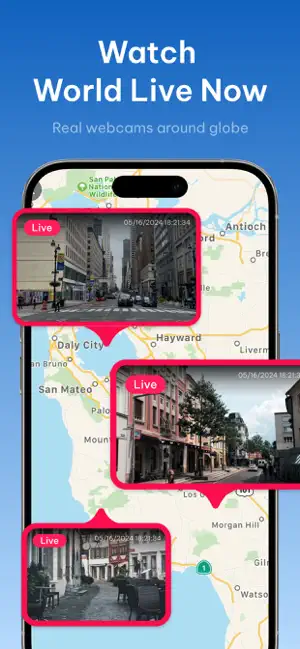
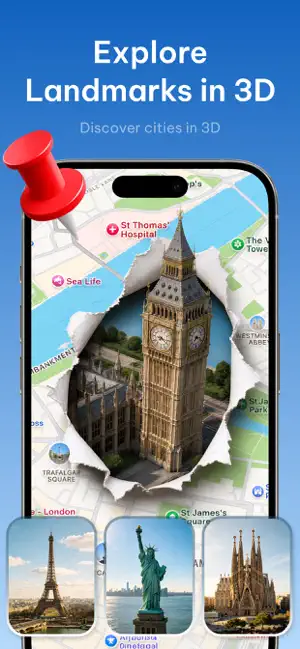
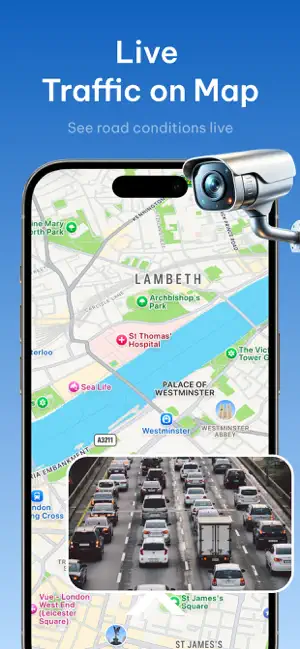
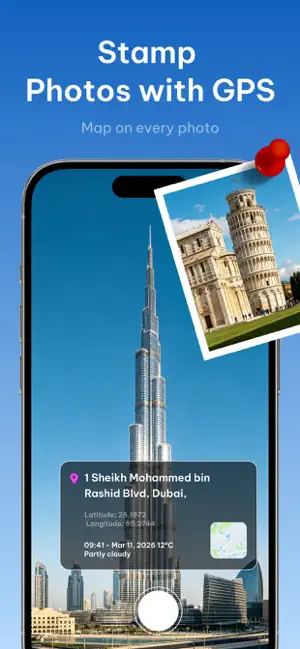
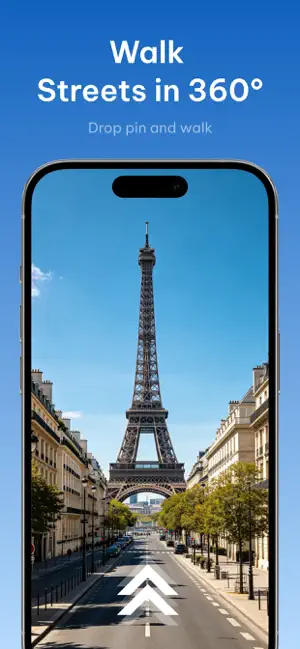
Explore the world with live webcams, GPS map cameras, and powerful location tools. LiveScope combines real live cameras, interactive maps, and global exploration features into one easy-to-use app. Watch places live, walk streets in 360°, stamp photos with GPS map overlays, and navigate with confidence wherever you go. Features • Watch real live webcams from cities, coasts, and landmarks worldwide • Walk streets in 360° — tap a map pin and explore immersive street view • Stamp photos with GPS location, map overlay, coordinates, and timestamps • Fly around an interactive 3D Earth and discover famous places • Collect Landmark Passport stamps and get a Daily Discovery pick each day • Check live traffic conditions on the map • Use the built-in digital compass for everyday navigation • See world time, sunrise, and sunset with Sun & Moon for cities around the globe • Calculate great-circle d…
App details
What you can learn from LiveScope: GPS Map Camera
Every shipping app on the App Store has gone through the same decisions you're working through right now: which screenshot goes first, what caption sits over it, which device frame to show, what color the background should be. The 5 screenshots above are LiveScope: GPS Map Camera's answers to those questions — they're public, they're real, and they made it through Apple's review.
Notice the first screenshot in particular. It's the one users see in search results and on the product page, and it's where most apps spend their best caption and tightest design. Look at the proportion of background to phone, where the text sits, what one thing the image is trying to communicate.
Want to see how other Travel apps approach the same problem? Browse more Travel apps in the showcase.
Take what works into your own screenshots
Open LaunchShots and design your App Store & Google Play screenshots — pick a device frame, drop captions, ship in minutes. Free, in your browser.
Open the screenshot editor →