Screenshots
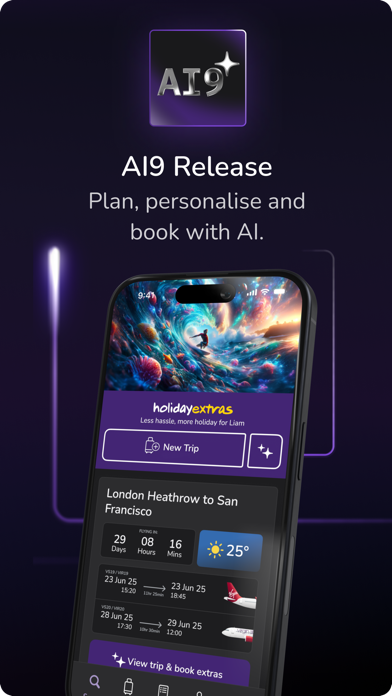
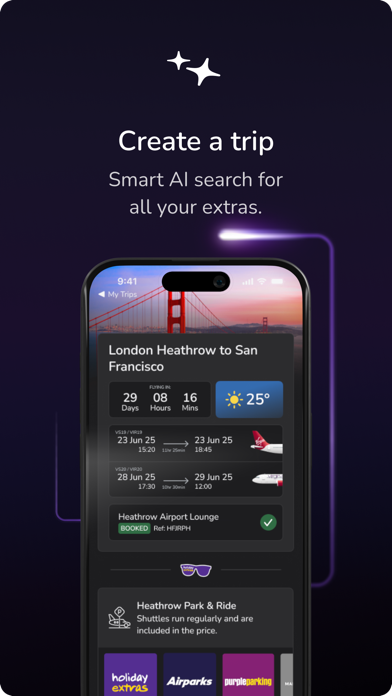
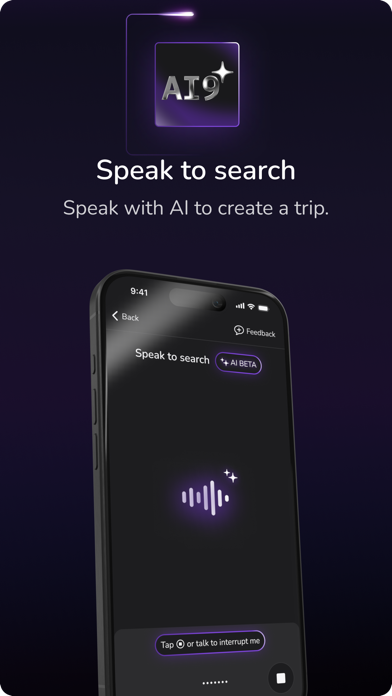
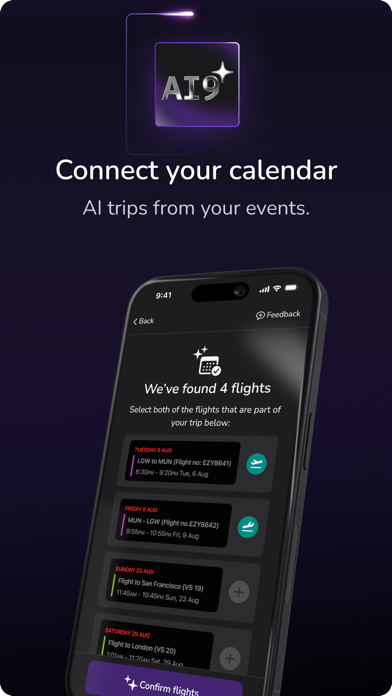


Icon palette
About this app
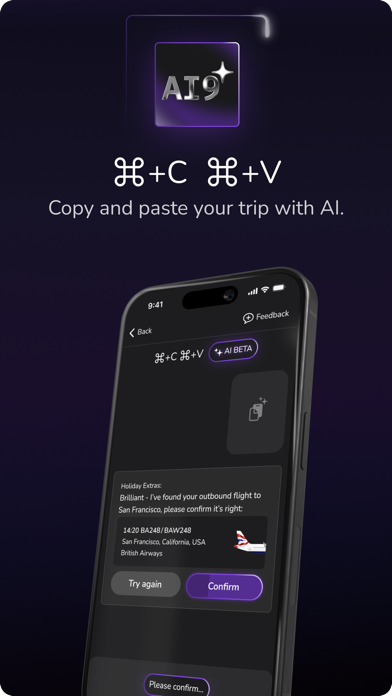
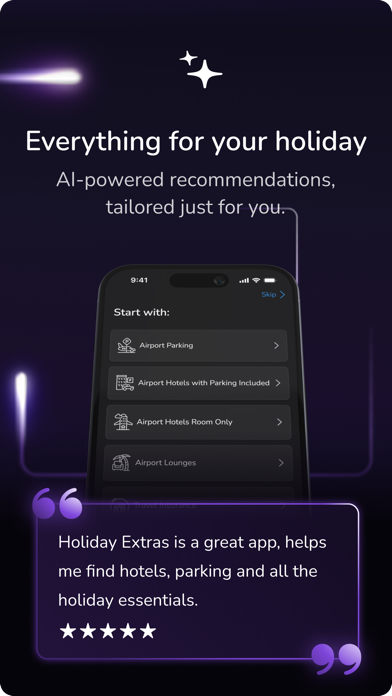
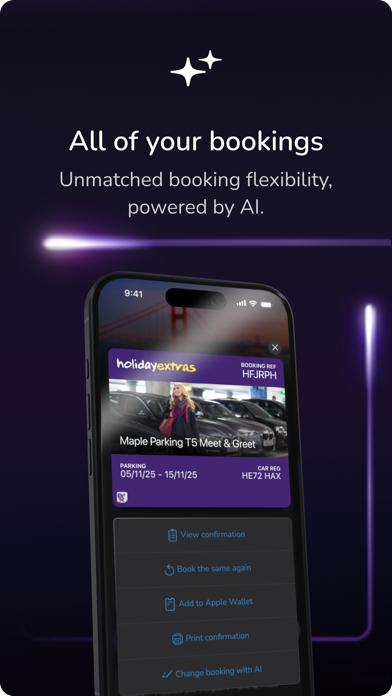
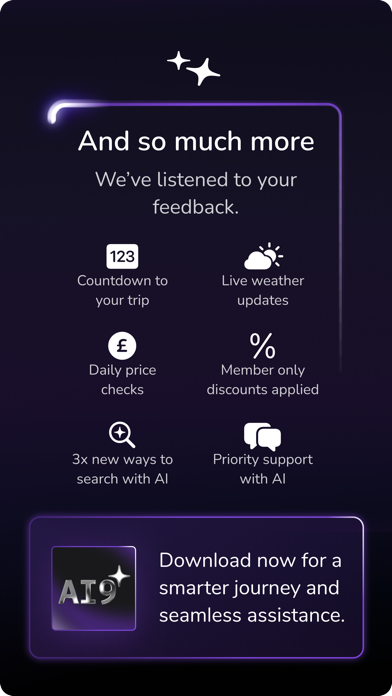
Say hello to the future of travel planning. The AI9 Holiday Extras app combines powerful AI features with an easy-to-use interface, making it your one-stop travel assistant. Unlock exclusive deals and save up to 70% on essentials like airport parking, hotels, lounges, transfers, insurance, and car hire. Powered by our intelligent HEHA! AI engine, the app personalises your travel extras, helping you create stress-free journeys with the push of a button. Say goodbye to the ordinary and experience the extraordinary. Smarter trips start here. Key app features: • Voice Search: Plan your journey hands-free. Tell us what you need, AI will handle the rest • Smart Bookings: Store all bookings in one place, with instant access to confirmations • HEHA! AI Assistant: Your ultimate travel companion, offering personalised suggestions and advice • Apple Wallet: Breeze through the airport with paperl…
App details
What you can learn from Holiday Extras HEHA! Smart App
Every shipping app on the App Store has gone through the same decisions you're working through right now: which screenshot goes first, what caption sits over it, which device frame to show, what color the background should be. The 10 screenshots above are Holiday Extras HEHA! Smart App's answers to those questions — they're public, they're real, and they made it through Apple's review.
Notice the first screenshot in particular. It's the one users see in search results and on the product page, and it's where most apps spend their best caption and tightest design. Look at the proportion of background to phone, where the text sits, what one thing the image is trying to communicate.
Want to see how other Travel apps approach the same problem? Browse more Travel apps in the showcase.
Take what works into your own screenshots
Open LaunchShots and design your App Store & Google Play screenshots — pick a device frame, drop captions, ship in minutes. Free, in your browser.
Open the screenshot editor →