What's New — May 2026

A lot has shipped this month — most of it straight from your feedback. Here's everything that's new in LaunchShots.
✨ Guided setup wizard
New here? You'll now be welcomed with a step-by-step flow: drop your screenshot, add a caption, pick a background, choose a font — with a live preview building up as you go. The full all-in-one editor is still one click away for power users. This came directly from a feature request, and it makes the first few minutes far less overwhelming.
😀 Emoji picker
You can now add emojis in two ways. Pop one straight into your caption or subtitle text, or drop a standalone emoji anywhere on your design as a sticker — then drag, resize, and place it exactly where you want. Great for adding a little personality to your screenshots.
🎨 Redesigned editor panel
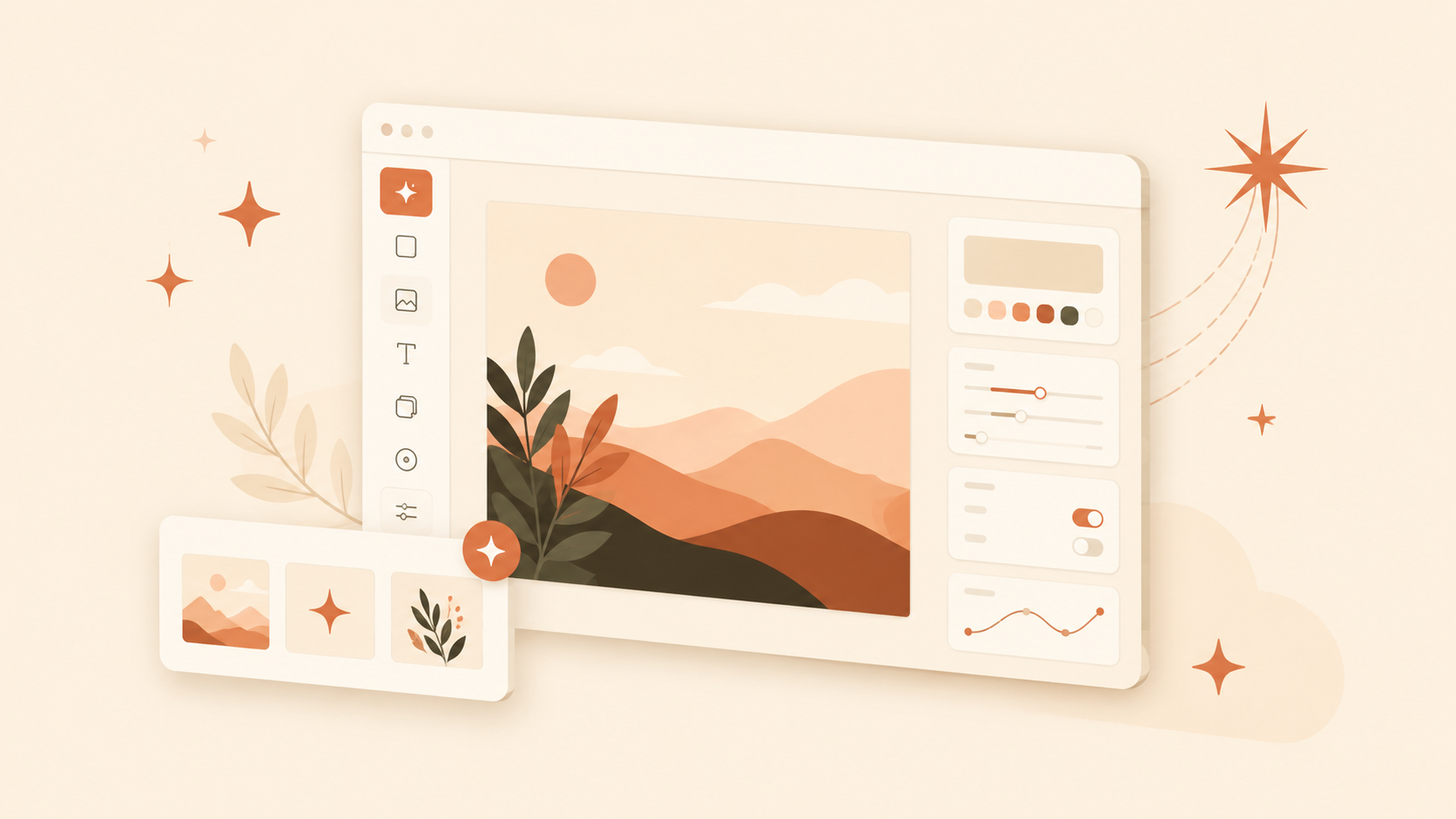
The left-hand editor got a cleaner, calmer layout. Sections are now collapsible with clear icons, so you only see what you're working on instead of one long wall of controls. Caption and Theme stay open by default; everything else tucks away until you need it.
📝 Formatting toolbar for captions
No more typing asterisks by hand. Captions and subtitles now have simple Bold and Italic buttons — just select your text and tap. Keyboard shortcuts (Ctrl/Cmd + B and I) work too. There's also a quick line-break button for multi-line captions.
💬 Feedback board
There's now a dedicated place to suggest features and vote on ideas. Several of the updates in this very post started life as suggestions there. If there's something you'd like to see, the board is the best way to tell me — and to see what others are asking for.
📰 The blog
And finally — this. A small blog for guides on App Store screenshots, plus update notes like this one so you can always see what's changed.
Almost all of this was shaped by people actually using the tool and telling me what was missing. Keep it coming — it genuinely steers what gets built next.
As always, LaunchShots stays free, with no signup and no watermark. Open the app and try the new stuff.
Related posts
Make your App Store screenshots free
LaunchShots is a free, in-browser screenshot maker. No signup, no watermark.
Open the app →
Comments (0)