How to Write App Store & Play Store Descriptions That Fit
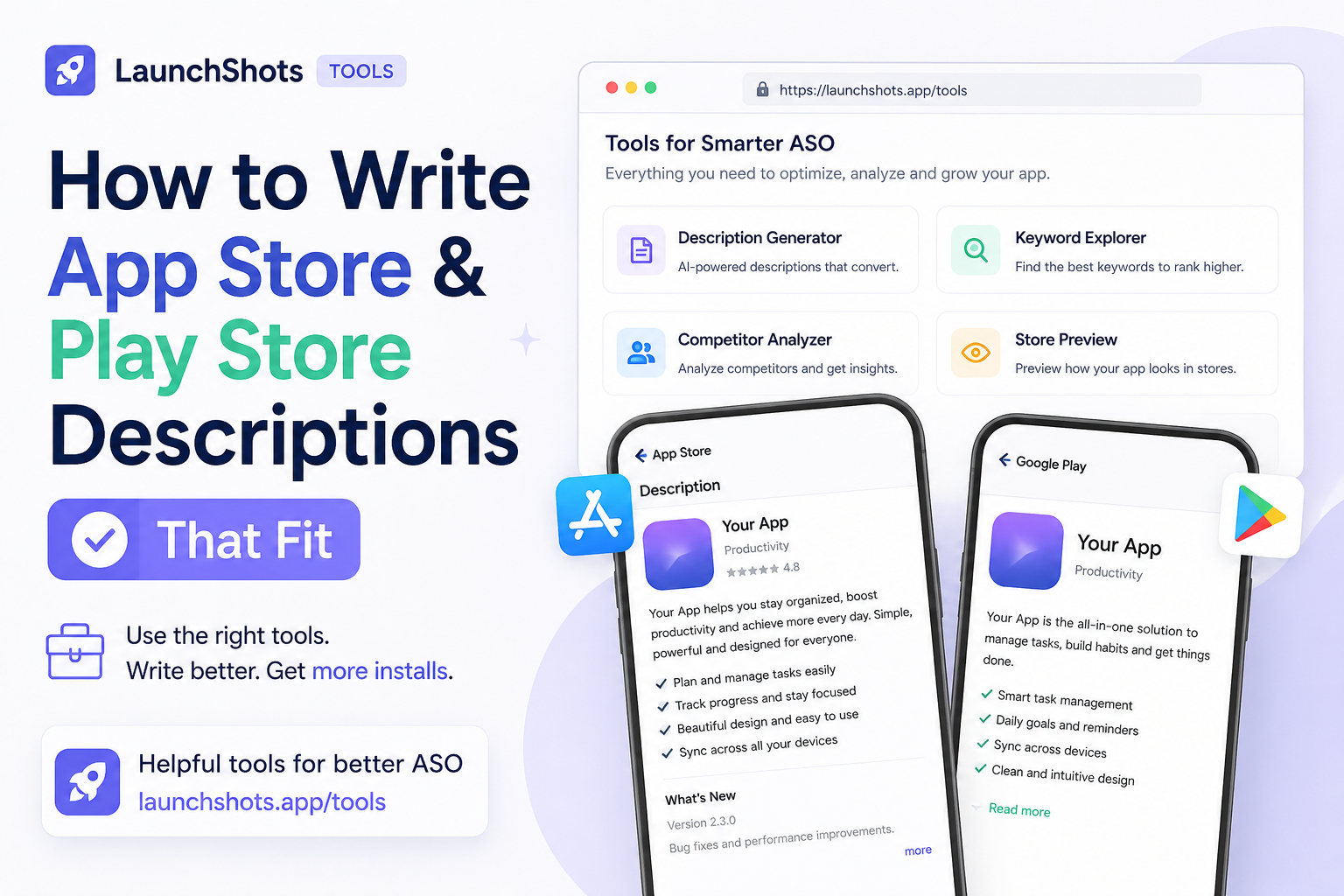
You've built the app, designed the icon, written the privacy policy — and now the store listing wants a title in 30 characters, a subtitle in another 30, a keyword field capped at 100, and a description that somehow sells the whole thing. Every field has a different limit, and the App Store and Google Play don't agree on what those limits are.
This guide breaks down exactly how much room you get on each store, what to put where, and how to write listing text that actually fits the first time — no copy-paste-trim-repeat.
Why the character limits matter
App store metadata isn't just a description — it's how people find you. Both stores use parts of your listing for search ranking, and both cut off text that runs too long. If your title gets truncated mid-word in search results, or your keywords overflow and get ignored, you lose installs you never see.
The limits also force discipline. You can't explain everything, so you're pushed to lead with the single most important thing — which is exactly what converts a browser into a download.
App Store (iOS) field limits
Apple gives you several distinct fields, each with its own cap:
- App name / title — 30 characters. The most valuable real estate you have. Your strongest keyword belongs here.
- Subtitle — 30 characters. Sits under the title. A second chance for a keyword plus a quick benefit.
- Keywords — 100 characters. Comma-separated, hidden from users, used only for search. No spaces between terms, and don't repeat words already in your title or subtitle — that's wasted space.
- Promotional text — 170 characters. Updatable any time without submitting a new build. Great for announcements or seasonal hooks.
- Description — 4,000 characters. Not indexed for keywords on iOS, but it's what convinces people to tap "Get."
Google Play (Android) field limits
Google's structure is simpler, but the description does more work:
- App title — 30 characters. Same as iOS — lead with your top keyword.
- Short description — 80 characters. The "above the fold" hook shown before users expand the listing. Indexed by Play, so use a keyword naturally.
- Full description — 4,000 characters. Unlike Apple, Google does index this for search. Weave your keywords in naturally — but don't stuff them, or you risk looking spammy.
How to actually write each field
A few rules that hold up across both stores:
- Front-load the title. "FoodScan: Calorie Tracker" beats "FoodScan" alone — you get the brand and a keyword.
- Make the subtitle / short description a benefit, not a feature list. "Scan any food, instantly" is better than "Barcode, AI, database."
- Don't repeat keywords across fields on iOS. Each word only needs to appear once to count.
- Lead the description with your strongest line. Only the first one to three lines show before "more" — make them count.
- Avoid competitor brand names. Both stores can reject listings that name other apps.
Check your lengths as you write
The fiddliest part is staying under the limits without pasting into the store editor and getting rejected. Our free App Store Description Generator gives you a live character counter for every field, tuned to the exact App Store and Play Store limits above. It turns green while you're safe, warns as you approach the cap, and goes red the moment you go over — so you write it right once, then copy each field straight into App Store Connect or the Play Console.
It also flags duplicate keywords in your iOS keyword field, which is the most common way people waste those precious 100 characters.
The short version
Put your best keyword in the title. Use the subtitle or short description for a benefit. Don't repeat keywords on iOS. Lead your description with your strongest line. And check every field against the real limits before you paste.
When you're ready to write yours, open the description generator — it's free, no signup, and runs entirely in your browser.
Related posts
Make your App Store screenshots free
LaunchShots is a free, in-browser screenshot maker. No signup, no watermark.
Open the app →
Comments (0)