Do You Need a Privacy Policy for Your App? (2026 Guide + Free Generator)
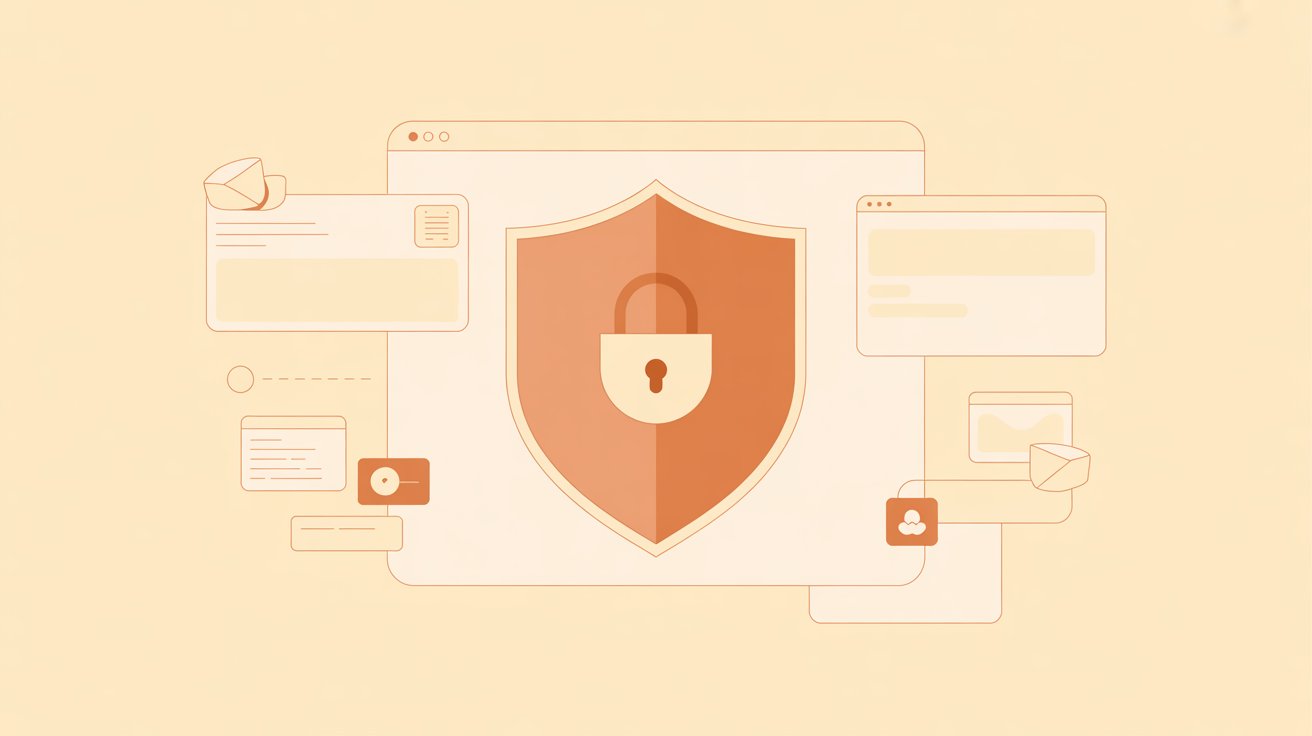
If you're about to submit your app to the App Store or Google Play, you'll hit a question you might not have planned for: where's your privacy policy? Both stores require one for almost every app, and skipping it is one of the most common reasons a submission gets rejected. Here's what you actually need, and a free way to put one together.
Does your app really need one?
Almost certainly yes. Apple and Google both require a privacy policy for any app that collects user data — and most apps do, even if it's only basic analytics. On top of the store rules, several laws can apply depending on who uses your app:
- GDPR (European Union) — applies if anyone in the EU uses your app. It requires clear disclosure and gives users rights over their data.
- CCPA / CPRA (California) — applies to apps used by California residents, focused on transparency and the right to opt out.
- COPPA (United States) — special rules if your app is directed at children under 13.
The penalties aren't trivial. GDPR fines can reach into the millions, and app rejections cost you time right when you want to launch.
What a good app privacy policy covers
A solid policy doesn't need to be long, but it does need to be honest and specific. At minimum it should explain:
- What data you collect — email, usage analytics, device info, location, payments, and so on.
- Why you collect it — to run the app, improve it, communicate, or meet legal duties.
- Who else touches it — third-party services like analytics, ad networks, crash reporters, or payment processors.
- User rights — how people can access, correct, or delete their data, and how to contact you.
- Retention and security — how long you keep data and how you protect it.
The mistake most indie devs make
The temptation is to copy someone else's policy and swap the app name. The problem is that their policy describes their data practices, not yours. If you say you don't collect location data but your analytics SDK quietly does, that mismatch is exactly what regulators and the app stores now check for. Your policy needs to match what your app actually does.
Generate a draft in minutes
To make the first draft easy, we built a free Privacy Policy Generator. You answer a few questions — your app name, what data you collect, which third-party services you use, and whether GDPR, CCPA, or children's privacy apply — and it builds a policy with the right sections. You can copy it or download it as a ready-to-host HTML file.
It runs entirely in your browser, with no signup, and nothing is stored or uploaded.
One important caveat
A generator gives you a strong starting point, but it isn't legal advice and it can't know the specifics of your business. Privacy law is genuinely complicated and changes often. Read every line, fill in anything unique to your app, and if you're handling sensitive data or serving a large audience, have a lawyer review it before you publish. Think of the generator as a head start, not the finish line.
Once your policy is sorted, the next launch task is usually your store screenshots — and LaunchShots handles those the same way: free, in your browser, no account needed.
Related posts
Make your App Store screenshots free
LaunchShots is a free, in-browser screenshot maker. No signup, no watermark.
Open the app →
Comments (0)