Share your screenshot design and get feedback before you ship
You've just finished a set of App Store screenshots. The captions feel right, the colors pop, the order makes sense — to you. But you've been staring at them for an hour, and you're no longer sure. Is the first screen actually the strongest? Does that headline land, or is it trying too hard? This is the moment every indie developer knows: you need a second pair of eyes before you ship.
So today LaunchShots gets a small but genuinely useful feature: share your design for feedback.
What it does
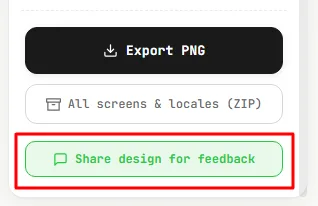
When you've built a screenshot in the editor, you'll now see a "Share design for feedback" button right next to Export. Click it, and LaunchShots creates a short link — something like launchshots.app/s/abc123 — and copies it to your clipboard.
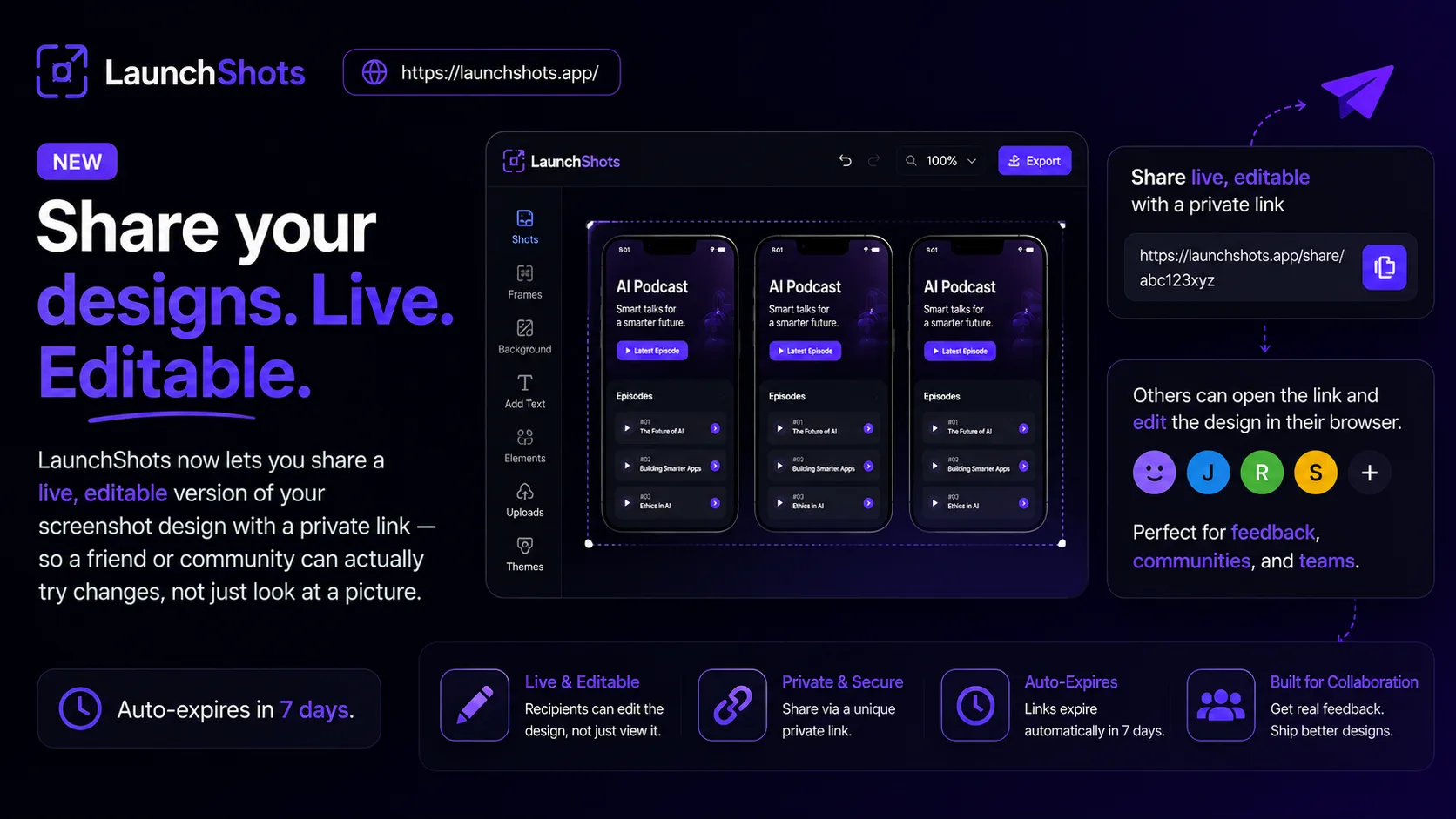
Send that link to anyone: a friend, a co-founder, your designer, a community you trust. When they open it, they don't just see a flat picture — they see your actual design loaded in the editor, exactly as you left it. The screenshot, the caption, the background, the font — all of it. They can look closely, tweak a word, try a different color, and tell you what works.
Why a link instead of a screenshot
The obvious way to get feedback is to export a PNG and drop it in a chat. That works, but it's a dead end — your reviewer can say "I'd change the headline," but they can't show you. With a share link, the design is live. The person you send it to can open it, experiment directly, and you can see exactly what they meant. Feedback becomes a conversation instead of a guess.
It's also just faster. No exporting, no attaching, no re-uploading. One click, one link, done.
Built to respect your privacy
LaunchShots has always run entirely in your browser — your images never touch a server during normal use, and that hasn't changed. Sharing is the one exception, and we kept it deliberately minimal:
- A shared design is only stored when you click the share button — nothing is uploaded otherwise.
- Shared designs automatically expire after 7 days and are permanently deleted.
- The links aren't indexed by search engines and aren't listed anywhere — only someone with the exact link can open it.
So you get the convenience of a shareable link without your work-in-progress lingering online forever.
Where this fits
A few moments where it comes in handy:
- Before you submit. Get a gut check on your screenshot order and captions before they go live on the store.
- Working with someone. A co-founder or freelancer can open your design, adjust it, and send it back.
- Asking a community. Post the link where other developers hang out and ask "which caption is stronger?" — they can actually try both.
This feature came directly from a user who asked for it — which is, honestly, how most of LaunchShots gets built. If there's something that would make your launch easier, the feedback page is open, and it gets read.
Go build a set, then send it to someone whose taste you trust. Open the editor and try it.
Related posts
Make your App Store screenshots free
LaunchShots is a free, in-browser screenshot maker. No signup, no watermark.
Open the app →
Comments (0)